How to Arrange Piano Covers from Audio & Melodies Online
Transform single-line vocal or melodic leads into full two-handed piano arrangements with customizable accompaniment styles.
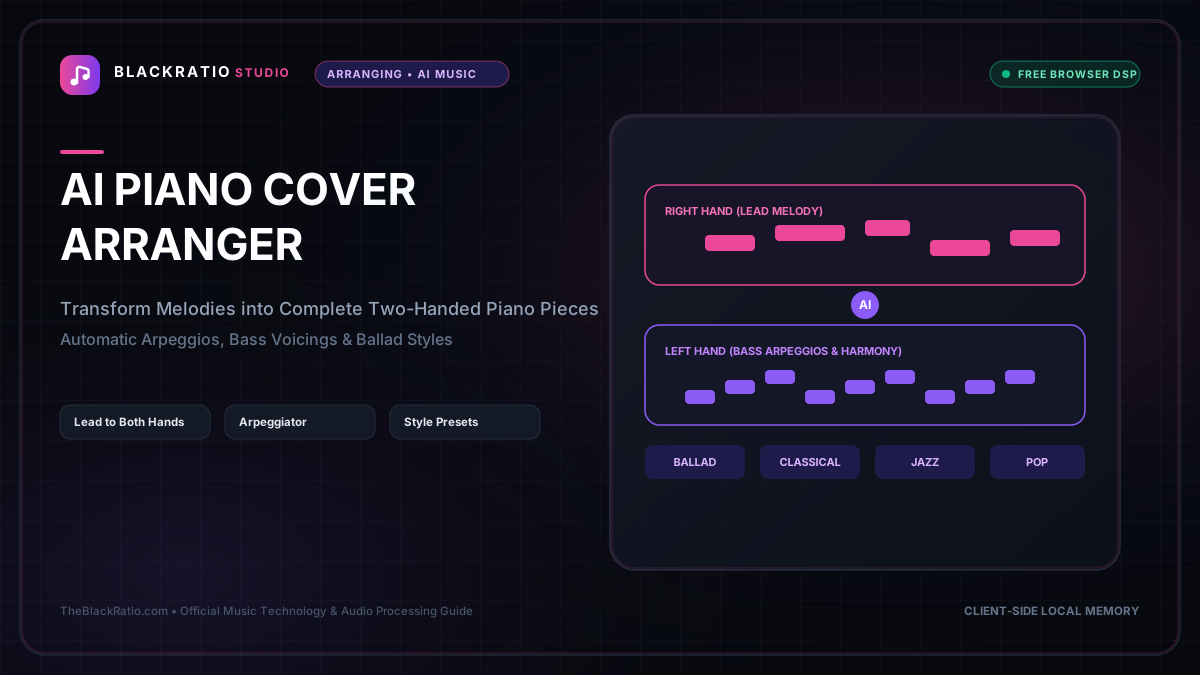
The Piano Cover Arranger transforms melodies and chord charts into full two-handed piano arrangements across various musical accompaniment styles and technical difficulty levels. It generates balanced grand-staff sheet music and MIDI files tailored for performing pianists.
Quick Start Guide
- Open Piano Cover Arranger at
/tools/piano-cover-arranger. - Upload a melody audio recording or import a single-line MIDI lead.
- Select an arrangement style: Ballad, Pop Arpeggio, Classical Stride, or Jazz.
- Set the playing difficulty: Beginner, Intermediate, or Advanced Concert.
- Audition the two-handed piano arrangement and download score or MIDI.
Before You Begin
- Supported Inputs: Single-line melody audio (MP3, WAV) or melodic MIDI files (.mid).
- System Requirements: Any modern browser with Web Audio support.
- Important Practical Considerations: The Piano Cover Arranger identifies the underlying key and harmonic cadence of your lead melody, then automatically harmonizes the right hand and generates idiomatic piano accompaniment patterns for the left hand.
Step-by-Step Instructions
Step 1: Open Piano Cover Arranger Workspace
Open the Piano Cover Arranger tool. The workspace displays a style selector panel, arrangement complexity sliders, and an interactive dual-staff score visualizer.
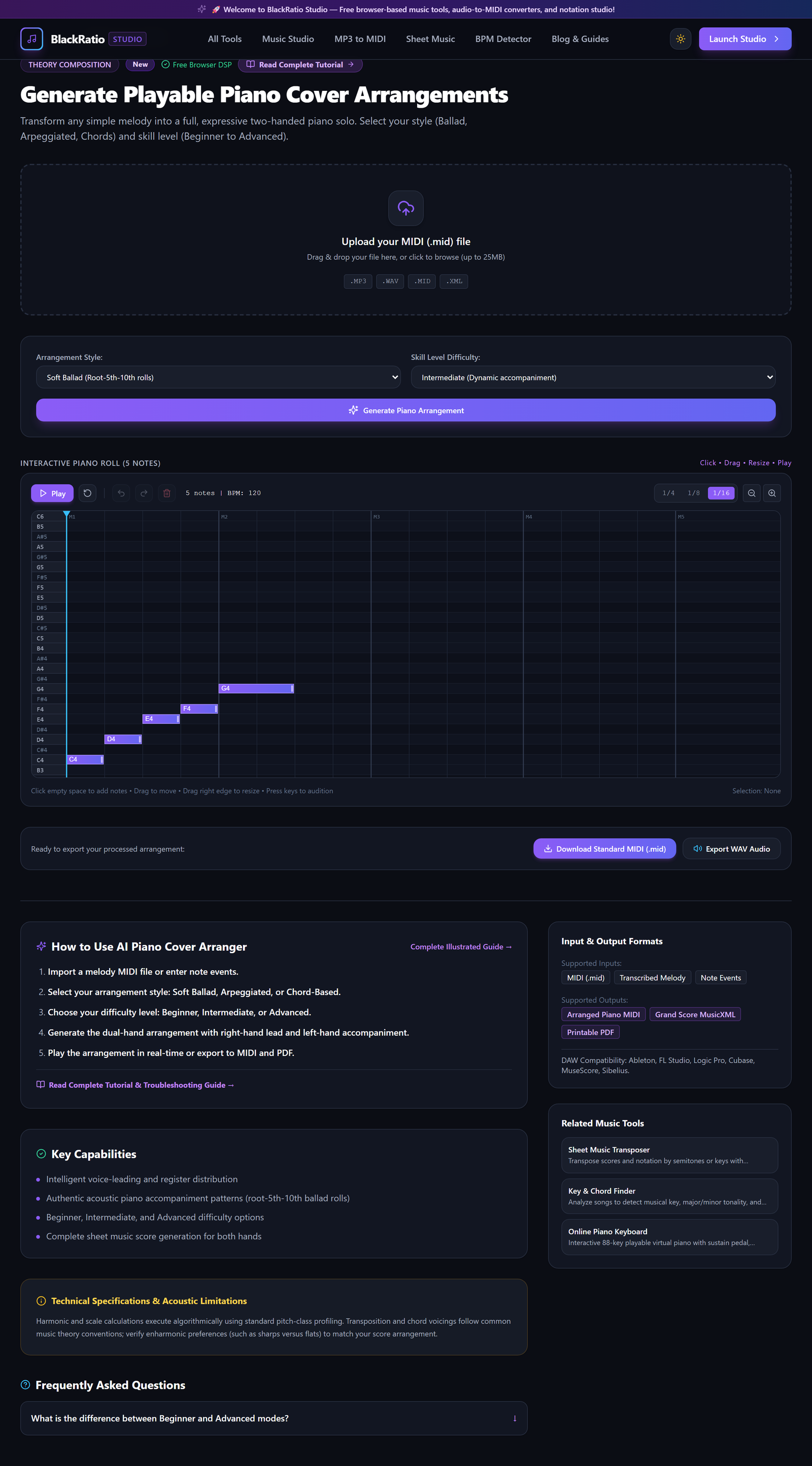
Figure 1: Open Piano Cover Arranger Workspace in the AI Piano Cover Arranger workspace.
- Primary Control:
Tool Navigation Bar / Launch Piano Cover Arranger Workspace - Expected Visible Result: The workspace loads with a melody upload dropzone and arrangement style presets.
- Musician's Pro-Tip: Record a simple vocal or whistle melody on your phone; the arranger will turn it into a complete piano performance.
Step 2: Load Lead Melody or Chord Sequence
Drop your melody file into the workspace. The engine transcribes the pitch line, identifies strong downbeat notes, and establishes the musical key and chord progression.
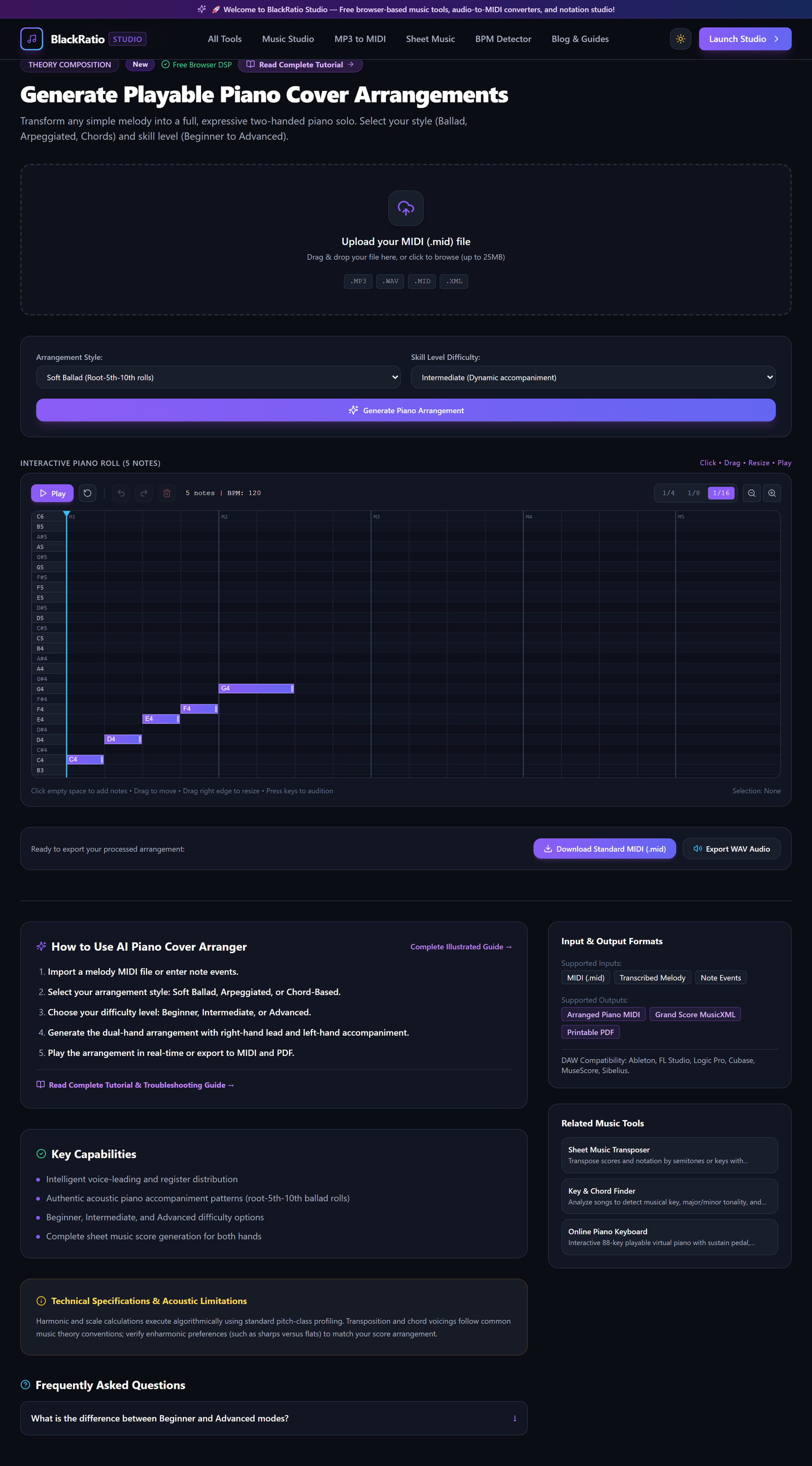
Figure 2: Load Lead Melody or Chord Sequence in the AI Piano Cover Arranger workspace.
- Primary Control:
Input Melody / Chord Progression Dropzone - Expected Visible Result: The single-line melody renders on the upper treble staff in the score viewport.
- Musician's Pro-Tip: Keep your melody clear and monophonic for the most accurate harmonic harmonization.
Step 3: Select Arrangement Style (Ballad, Classical, Pop, Jazz)
Choose an arrangement style preset: "Ballad" creates flowing 8th-note broken chords; "Pop" generates rhythmic root-fifth octave pulses; "Classical" applies Alberti bass patterns; "Jazz" adds 7th and 9th chord voicings.
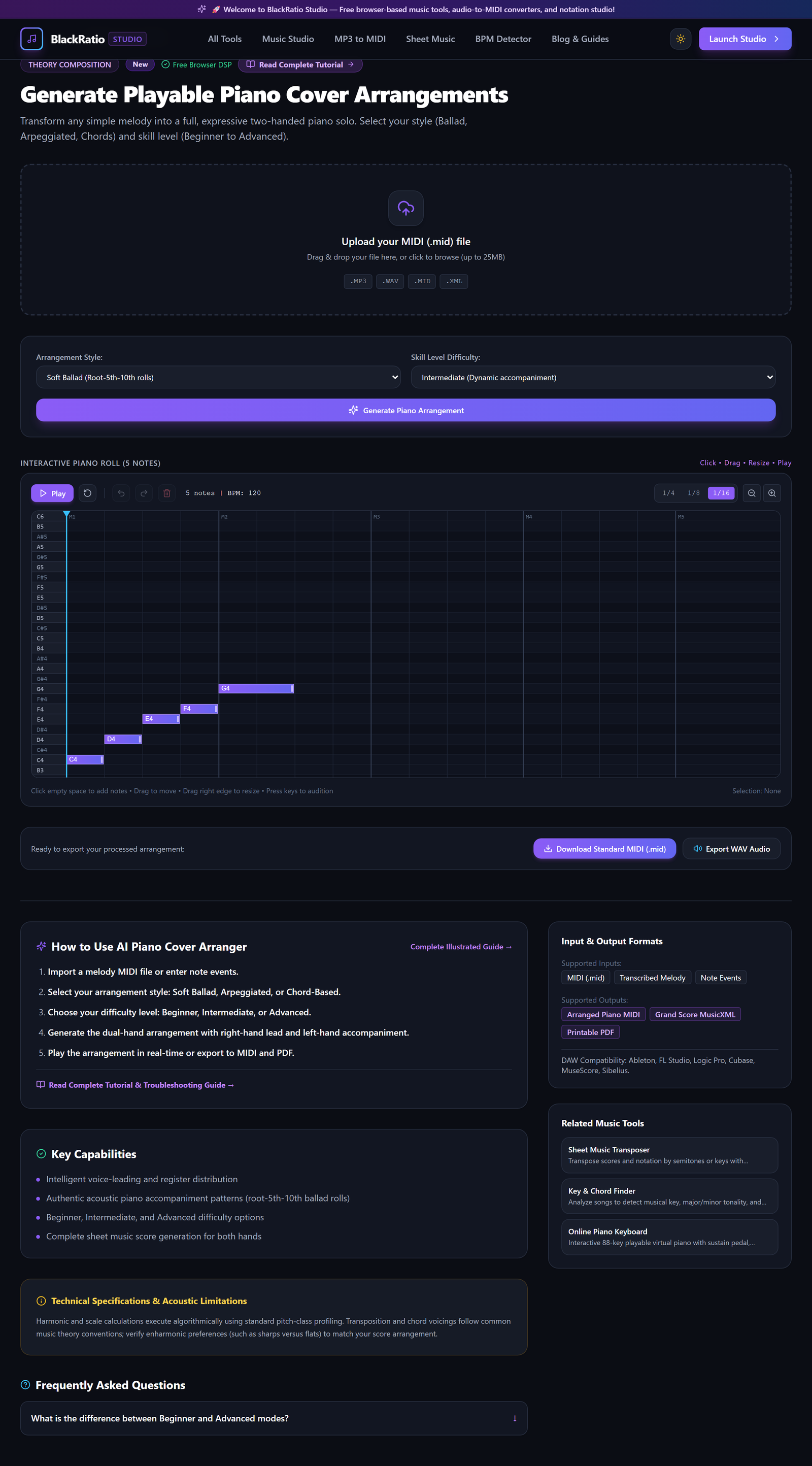
Figure 3: Select Arrangement Style (Ballad, Classical, Pop, Jazz) in the AI Piano Cover Arranger workspace.
- Primary Control:
Accompaniment Style (Ballad, Arpeggio, Pop) & Difficulty Selectors - Expected Visible Result: The left-hand bass staff populates with accompaniment patterns perfectly synchronized with the right-hand melody.
- Musician's Pro-Tip: For emotional, cinematic songs, the Ballad style provides beautiful harmonic movement with minimal clutter.
Step 4: Select Difficulty Level (Beginner, Intermediate, Advanced)
Set the Arrangement Difficulty: "Beginner" uses simple single-note basslines and root-position chords within 5-finger hand positions; "Advanced" adds rapid arpeggios, octave reaches, and counter-melodies.
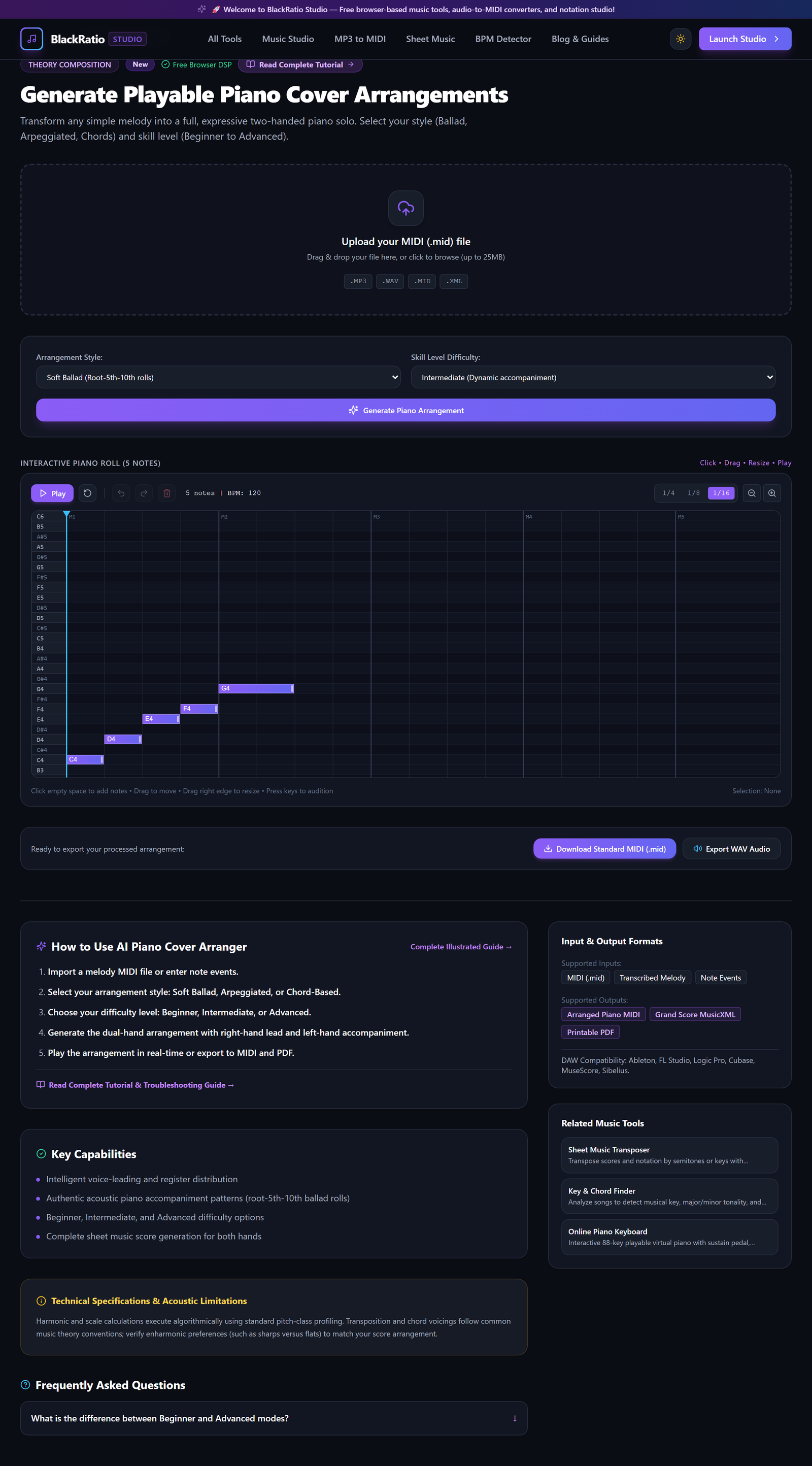
Figure 4: Select Difficulty Level (Beginner, Intermediate, Advanced) in the AI Piano Cover Arranger workspace.
- Primary Control:
Grand Staff Two-Hand Piano Score Preview Canvas - Expected Visible Result: The note density and fingering complexity update dynamically on the sheet music display.
- Musician's Pro-Tip: Intermediate level offers the best balance for most amateur pianists, featuring rich harmony without awkward 10th-interval stretches.
Step 5: Audition & Download Complete Piano Score
Click Play to listen to the arranged piano performance with acoustic grand piano synthesis. Click "Download Sheet Music PDF" or "Export MIDI" to save your customized arrangement.

Figure 5: Audition & Download Complete Piano Score in the AI Piano Cover Arranger workspace.
- Primary Control:
Download Arranged Piano Score (PDF / MIDI) Buttons - Expected Visible Result: A print-ready 2-handed piano score downloads, formatted with clean measure layouts and tempo markings.
- Musician's Pro-Tip: Load the exported MIDI into your digital piano's internal memory to practice along with the left hand muted.
Practical Real-World Example
Arranging a Pop Vocal Melody for a Wedding Ceremony Piano Solo
- Musical Workflow: A wedding pianist needed an acoustic piano solo arrangement of a popular pop ballad. They hummed the chorus melody into BlackRatio Piano Cover Arranger, selected "Ballad Arpeggios" at "Intermediate" difficulty, and verified the chord voicing.
- Verified Outcome: The tool generated a stunning 3-page piano arrangement with rich left-hand arpeggios, which the pianist printed and performed at the wedding ceremony.
How to Verify Your Results
- Audition the two-hand arrangement using the preview player to evaluate musical balance.
- Verify that left-hand accompaniment patterns (arpeggios, stride, ballad) do not collide with right-hand melodies.
- Check the difficulty level settings to ensure finger stretches match your technical playing ability.
- Download the arranged score as a vector PDF for immediate practice on your acoustic piano.
Troubleshooting Common Issues
Left-hand bass notes are clashing harmonically with the right-hand melody.
- Underlying Cause: Ambiguous melody notes leading to an incorrect inferred chord cadence.
- Recommended Solution: Use the Chord Override dropdown to manually select the intended chord for that measure.
Technical Boundaries & Limitations
Generates solo piano arrangements. While highly idiomatic for piano keyboard mechanics, orchestral or four-hand piano reductions should be formatted in specialized notation suites.
Frequently Asked Questions
Q: Can I change the key of the arrangement after generating it? A: Yes. Use the integrated Transpose control to shift the entire two-handed arrangement to any musical key instantly.
Launch the Tool
Ready to begin? Access the free, browser-based AI Piano Cover Arranger directly on BlackRatio Studio with zero downloads or account registration required.
Related Workflows & Tools
Related Tutorials & Articles
How to Transpose MIDI Files Online — Lossless Semitone Shift Guide
Transpose MIDI songs and melodies up or down by semitones losslessly while protecting drum channels, controllers, and velocities.
Tool TutorialsHow to Calculate Song BPM with Tap Tempo — Accurate Live Tempo Guide
Calculate the exact tempo of live songs, DJ tracks, and musical ideas by tapping to the rhythm with zero latency and statistical smoothing.