How to Find Musical Scales, Notes, and Modes Online
Look up notes, intervals, semitone formulas, and keyboard maps for major, minor, pentatonic, blues, and Church modes.
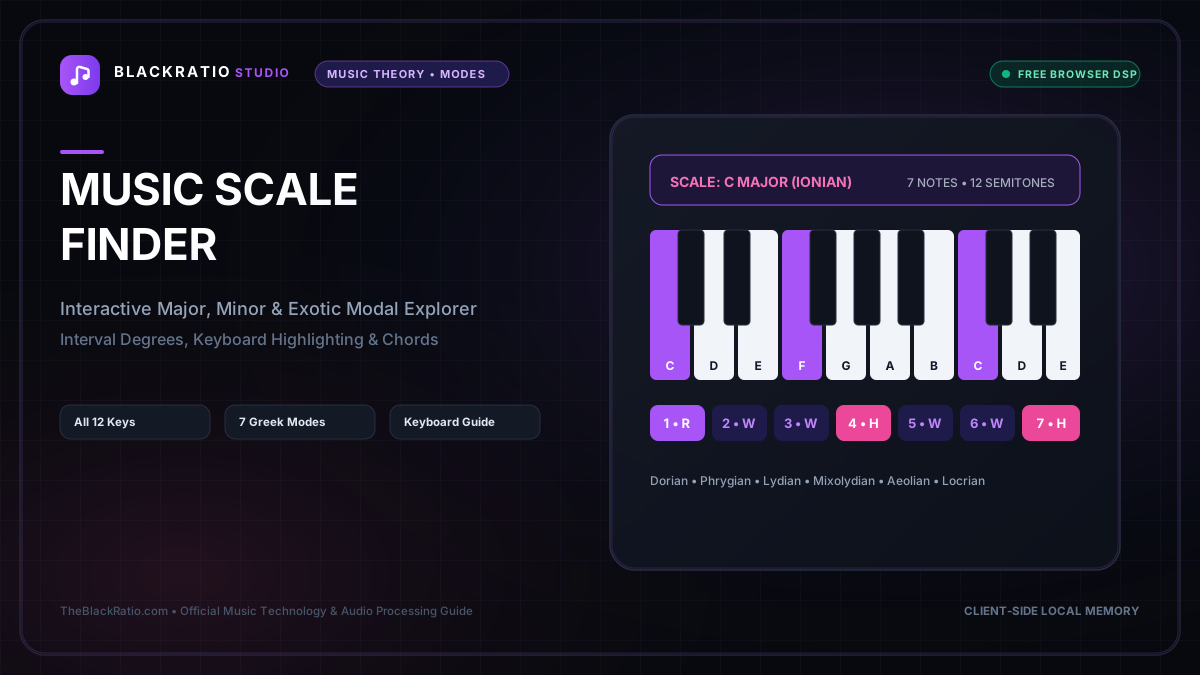
The Music Scale Finder is an interactive music theory reference providing scale degrees, interval formulas, semitone distances, and virtual keyboard fingerings for over 50 scales and modes. It helps composers, improvisers, and students understand scale relationships instantly without audio DSP.
Quick Start Guide
- Open Music Scale Finder at
/tools/music-scale-finder. - Pick any Root Note (C, C#, D, Eb, E, F, F#, G, Ab, A, Bb, B).
- Select a Musical Scale or Church Mode (Major, Minor, Dorian, Phrygian, etc.).
- View highlighted scale notes and fingerings on the interactive piano keyboard.
- Review the semitone formula (W-W-H-W-W-W-H) and interval patterns.
Before You Begin
- Supported Inputs: Interactive root and scale selectors (no file upload required).
- System Requirements: Any modern desktop, tablet, or smartphone web browser.
- Important Practical Considerations: Scales and modes are specific sequences of musical intervals that define the mood, color, and melodic vocabulary of a composition. Mastering scale formulas is fundamental to soloing, improvisation, and songwriting.
Step-by-Step Instructions
Step 1: Open Musical Scale & Mode Explorer Workspace
Open the Music Scale Finder tool. The workspace features an interactive chromatic root selector, scale type menu, virtual piano keyboard display, and formula breakdown chart.
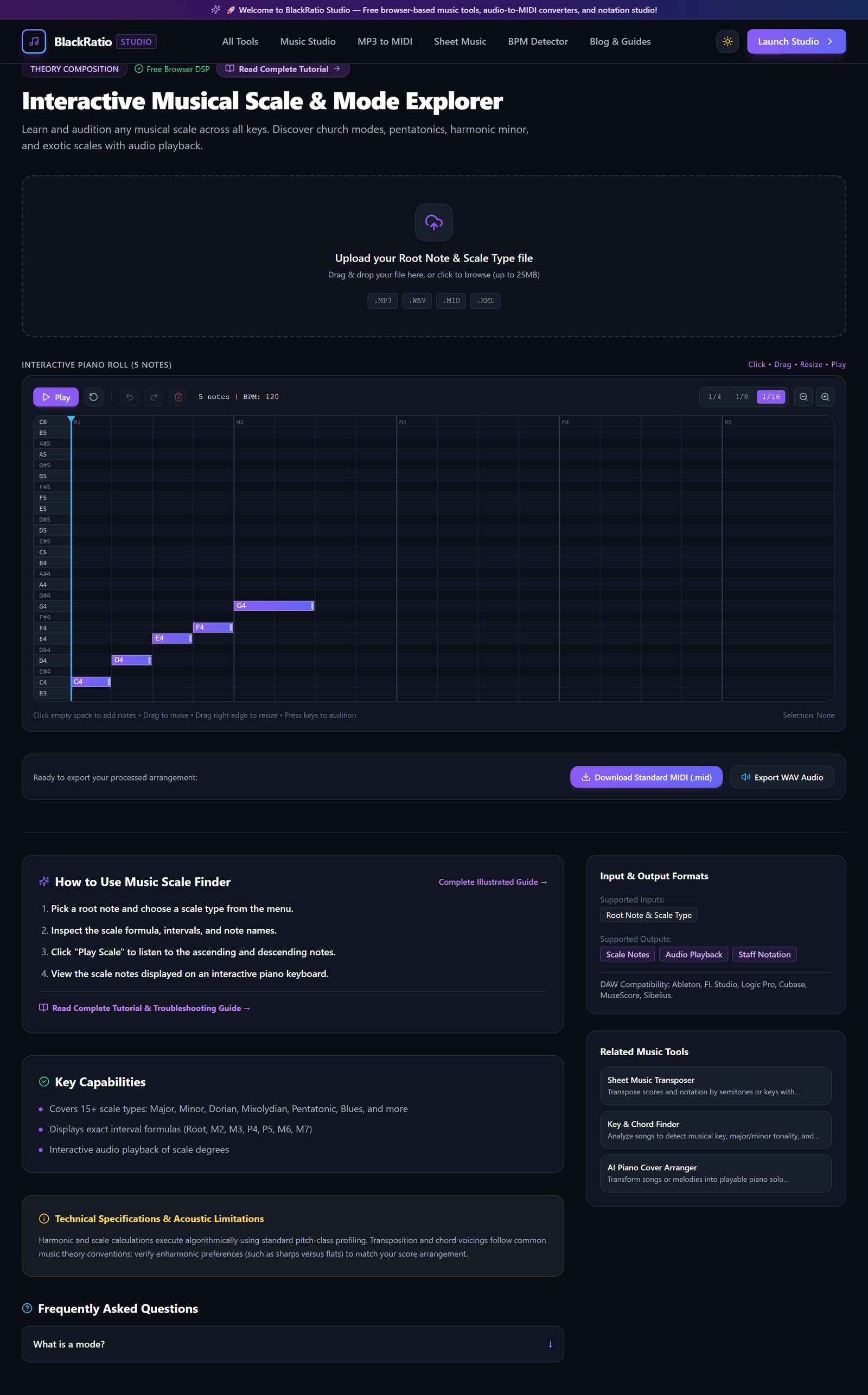
Figure 1: Open Musical Scale & Mode Explorer Workspace in the Music Scale Finder workspace.
- Primary Control:
Tool Navigation Bar / Launch Music Scale Finder Workspace - Expected Visible Result: The workspace loads showing C Major scale notes highlighted on the piano keyboard.
- Musician's Pro-Tip: Keep this tool open while practicing scales on your physical instrument to visually cross-reference fingerings.
Step 2: Pick Root Note (C, D, E, F, G, A, B)
Select your desired root tonic note (e.g. D). You can toggle between Sharp (#) and Flat (b) enharmonic spellings depending on the key signature you are working in.
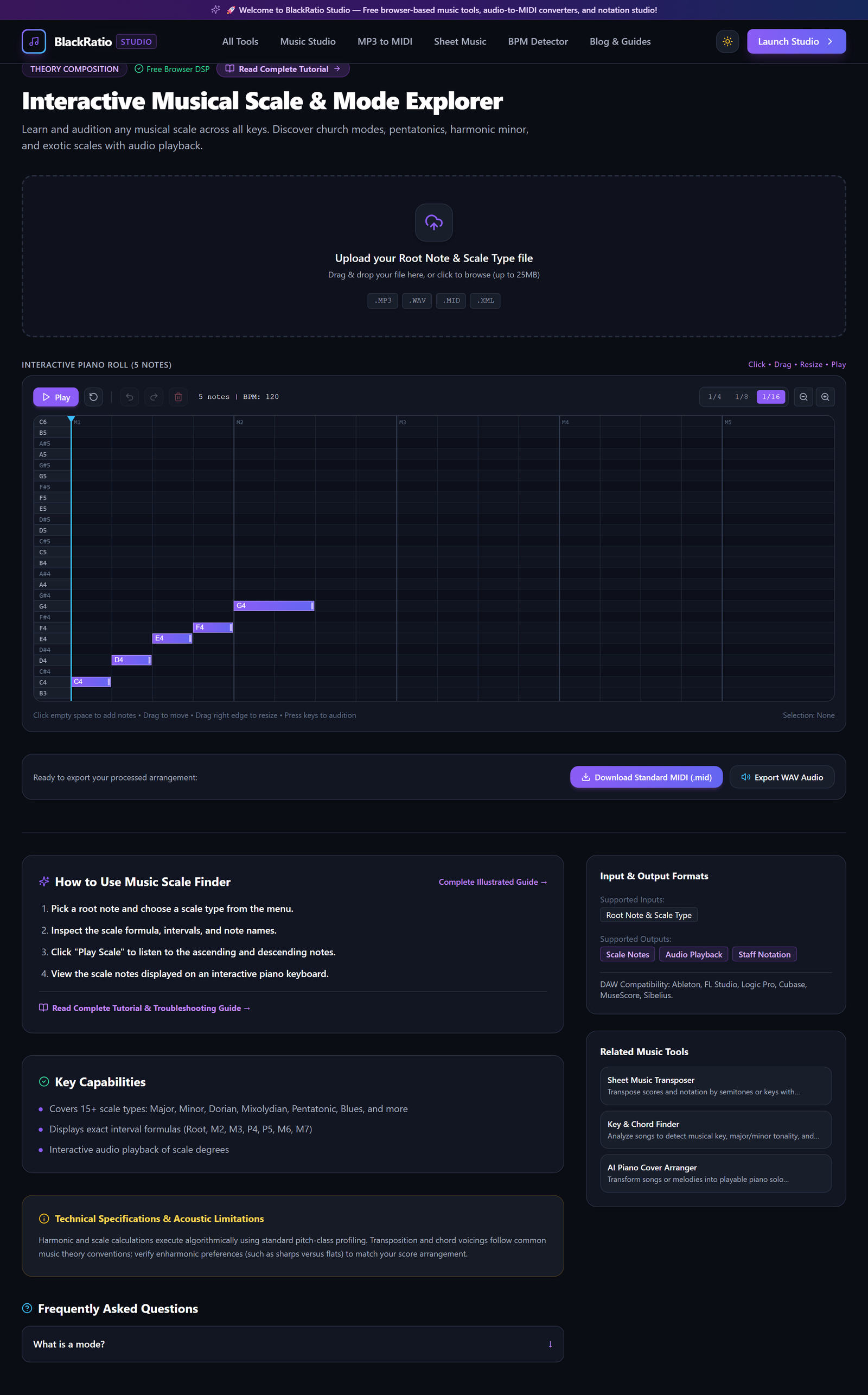
Figure 2: Pick Root Note (C, D, E, F, G, A, B) in the Music Scale Finder workspace.
- Primary Control:
Root Note Selector (C, D, E, F, G, A, B) - Expected Visible Result: The root note illuminates in bright purple on the keyboard and serves as degree 1 (the tonic) of the scale.
- Musician's Pro-Tip: When working in flat keys like F Major or Bb Major, select flat accidentals to view standard notation spellings.
Step 3: Select Musical Scale or Mode Formula
Choose a scale type from the organized categories: Diatonic (Major, Natural Minor, Harmonic Minor, Melodic Minor), Church Modes (Dorian, Phrygian, Lydian, Mixolydian, Locrian), or Modern (Major Pentatonic, Minor Pentatonic, Blues, Whole Tone).
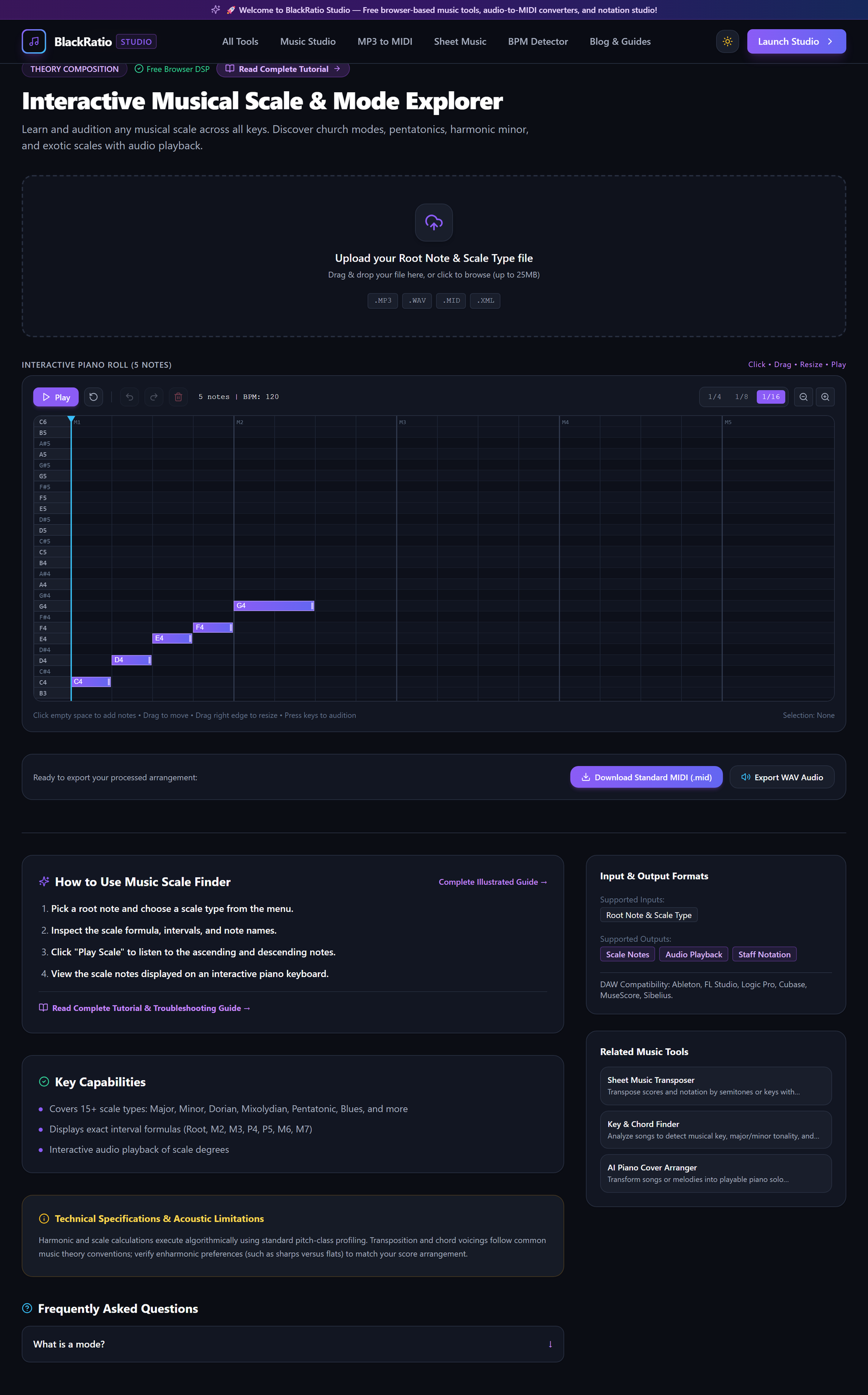
Figure 3: Select Musical Scale or Mode Formula in the Music Scale Finder workspace.
- Primary Control:
Scale Type & Modal Formula Dropdown - Expected Visible Result: The scale formula updates, and the exact sequence of notes is displayed in order.
- Musician's Pro-Tip: To give rock solos a classic Santana or Pink Floyd flavor, try D Dorian (D - E - F - G - A - B - C) over a D minor chord.
Step 4: View Highlighted Notes on Virtual Piano Keyboard
Examine the interactive piano keyboard display. Keys that belong to the selected scale are highlighted with color-coded badges indicating their scale degree numbers (1, 2, 3, 4, 5, 6, 7).
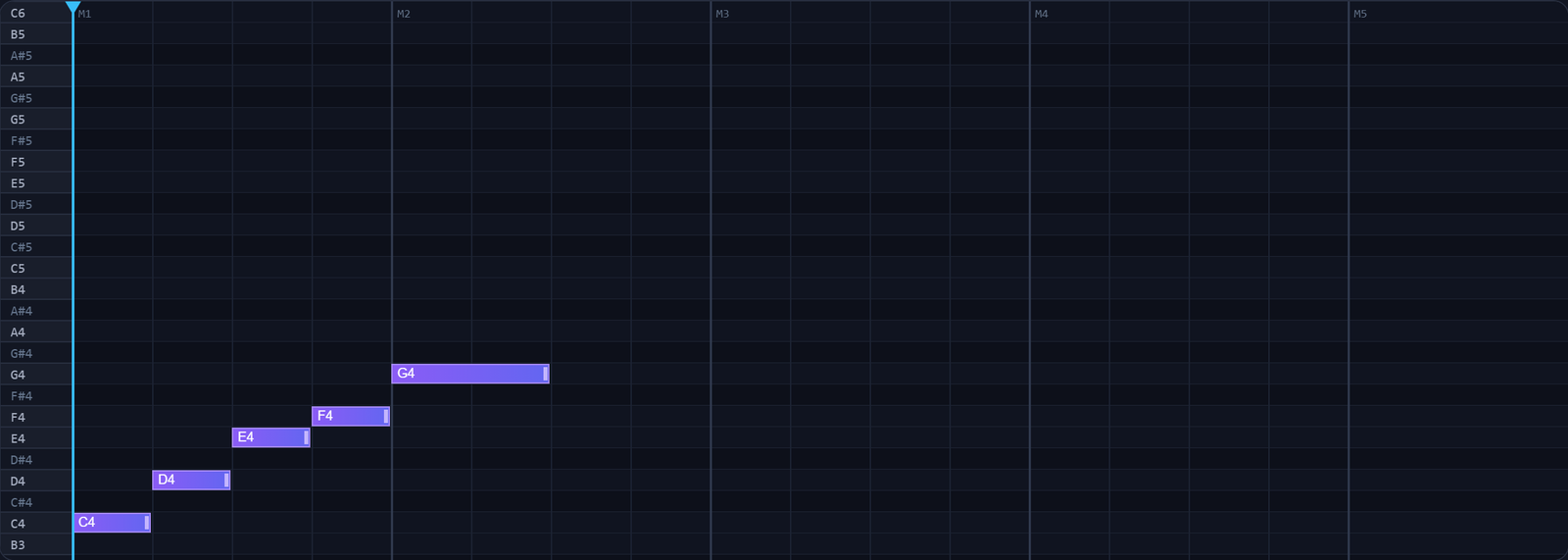
Figure 4: View Highlighted Notes on Virtual Piano Keyboard in the Music Scale Finder workspace.
- Primary Control:
Highlighted Virtual Piano Keyboard & Fretboard Display - Expected Visible Result: All scale notes light up across two full octaves on the keyboard.
- Musician's Pro-Tip: Click any highlighted key to audition its pitch in real time, or click "Play Scale" to hear the full ascending and descending scale.
Step 5: Review Interval Pattern & Semitone Formula
Read the Interval Pattern and Step Formula table below the keyboard. It displays whole-step (W) and half-step (H) distances, semitone counts, and formula intervals (e.g. 1 - 2 - b3 - 4 - 5 - b6 - b7 for Natural Minor).
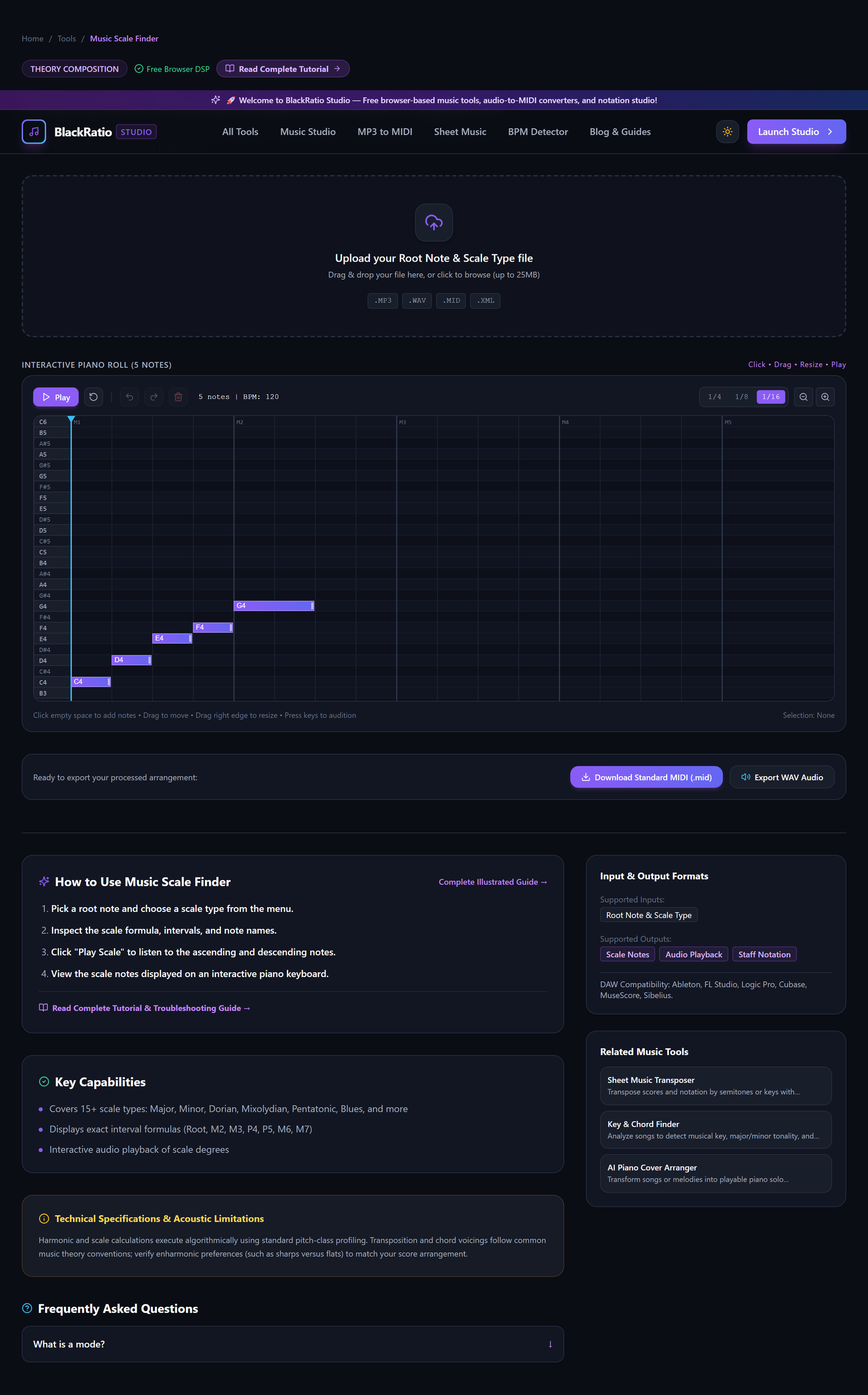
Figure 5: Review Interval Pattern & Semitone Formula in the Music Scale Finder workspace.
- Primary Control:
Interval Formula & Semitone Distance Table - Expected Visible Result: A comprehensive music theory summary details characteristic notes and diatonic chords generated by the scale.
- Musician's Pro-Tip: Notice characteristic modal notes: the raised 6th in Dorian and the raised 4th in Lydian are what give those modes their signature sonic colors.
Practical Real-World Example
Learning the Blues Scale for Electric Guitar Solos
- Musical Workflow: A guitarist wanted to solo over an A blues progression. Selecting Root Note "A" and Scale "Blues Scale" in the finder displayed the notes: A - C - D - D# - E - G with the "blue note" (diminished 5th / D#) highlighted.
- Verified Outcome: The guitarist memorized the positions on the keyboard, mapped them to their guitar fretboard, and performed expressive blues bends over the backing track.
How to Verify Your Results
- Review generated scale notes against the theoretical circle of fifths for pitch accuracy.
- Practice scale degrees on the highlighted virtual piano keyboard to build muscle memory.
- Verify interval formulas (e.g. 1 - 2 - 3 - 4 - 5 - 6 - 7 for Major) match music theory standards.
- Explore modal variations (Dorian, Phrygian, Lydian, Mixolydian) to compare characteristic interval shifts.
Troubleshooting Common Issues
The scale display shows strange note names like E# or Cb.
- Underlying Cause: Proper music theory rules dictate that every letter name (A-G) must appear once in a seven-note diatonic scale.
- Recommended Solution: This is theoretical correct spelling: in F# Major, the 7th degree is E# (not F) to avoid repeating the letter F.
Technical Boundaries & Limitations
Covers over 48 standard Western scales and ethnic modes. Non-octave microtonal scales are outside the scope of 12-tone equal temperament.
Frequently Asked Questions
Q: What is the difference between a Scale and a Mode? A: A mode is simply a scale that starts on a different degree of a parent scale. For example, D Dorian contains the exact same notes as C Major, but focuses on D as the home tonic note.
Launch the Tool
Ready to begin? Access the free, browser-based Music Scale Finder directly on BlackRatio Studio with zero downloads or account registration required.
Related Workflows & Tools
Related Tutorials & Articles
How to Transpose MIDI Files Online — Lossless Semitone Shift Guide
Transpose MIDI songs and melodies up or down by semitones losslessly while protecting drum channels, controllers, and velocities.
Tool TutorialsHow to Calculate Song BPM with Tap Tempo — Accurate Live Tempo Guide
Calculate the exact tempo of live songs, DJ tracks, and musical ideas by tapping to the rhythm with zero latency and statistical smoothing.