How to Generate Chord Progressions for Songwriting & Beatmaking
Explore inspiring harmonic progressions, modal chord substitutions, and Roman numeral cadences with instant MIDI export for DAWs.
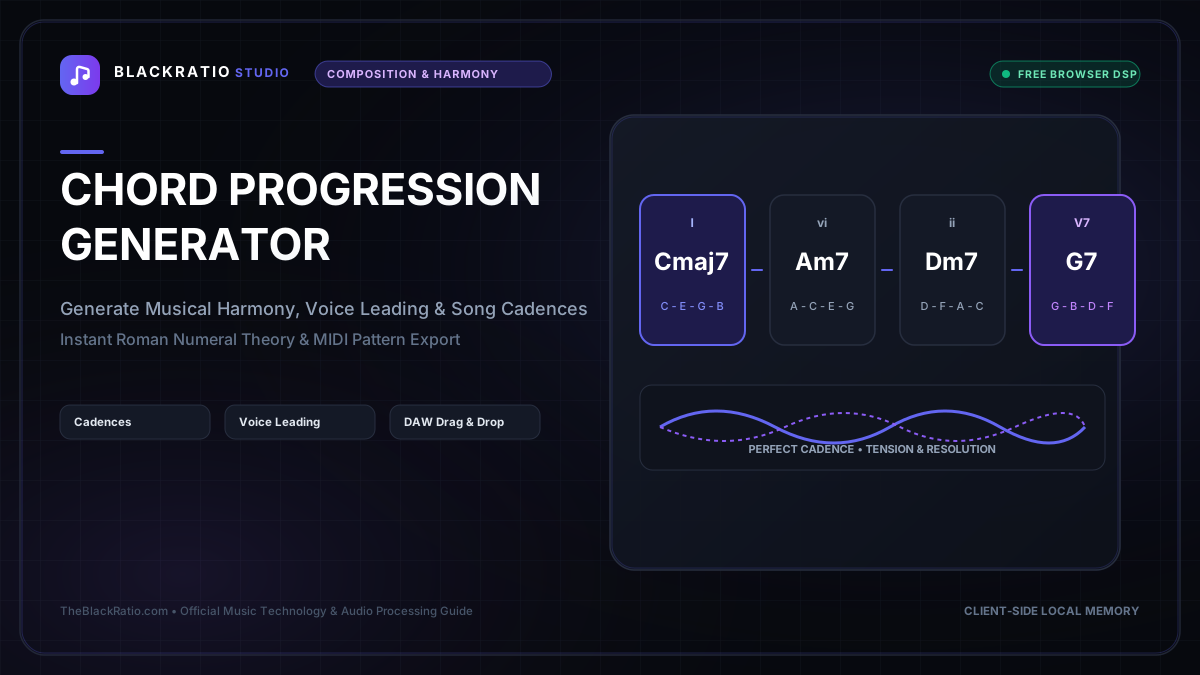
The Chord Progression Generator creates harmonically balanced chord sequences, modal cadences, and songwriting progressions across multiple musical genres. Featuring Roman numeral analysis and voice leading, it exports instant MIDI progressions ready for DAW beatmaking and scoring.
Quick Start Guide
- Open Chord Progression Generator at
/tools/chord-progression-generator. - Select your Root Key and Tonality (Major or Minor).
- Choose a Musical Genre preset (Pop, Neo-Soul, Jazz, Lo-Fi, or EDM).
- Audition Roman numeral harmonic sequences with piano synthesis.
- Export the complete chord progression as a multi-voice MIDI file.
Before You Begin
- Supported Inputs: Interactive musical key and genre selectors (no file upload required).
- System Requirements: Any modern browser with Web Audio API support.
- Important Practical Considerations: Chord progressions form the harmonic backbone of songwriting. The generator applies music theory rules (functional harmony, secondary dominants, modal interchange) to suggest musically cohesive chord movements.
Step-by-Step Instructions
Step 1: Open Chord Progression Generator Workspace
Open the Chord Progression Generator. The workspace features an interactive 12-key circle, genre preset selectors, Roman numeral analysis displays, and an embedded piano synthesizer.
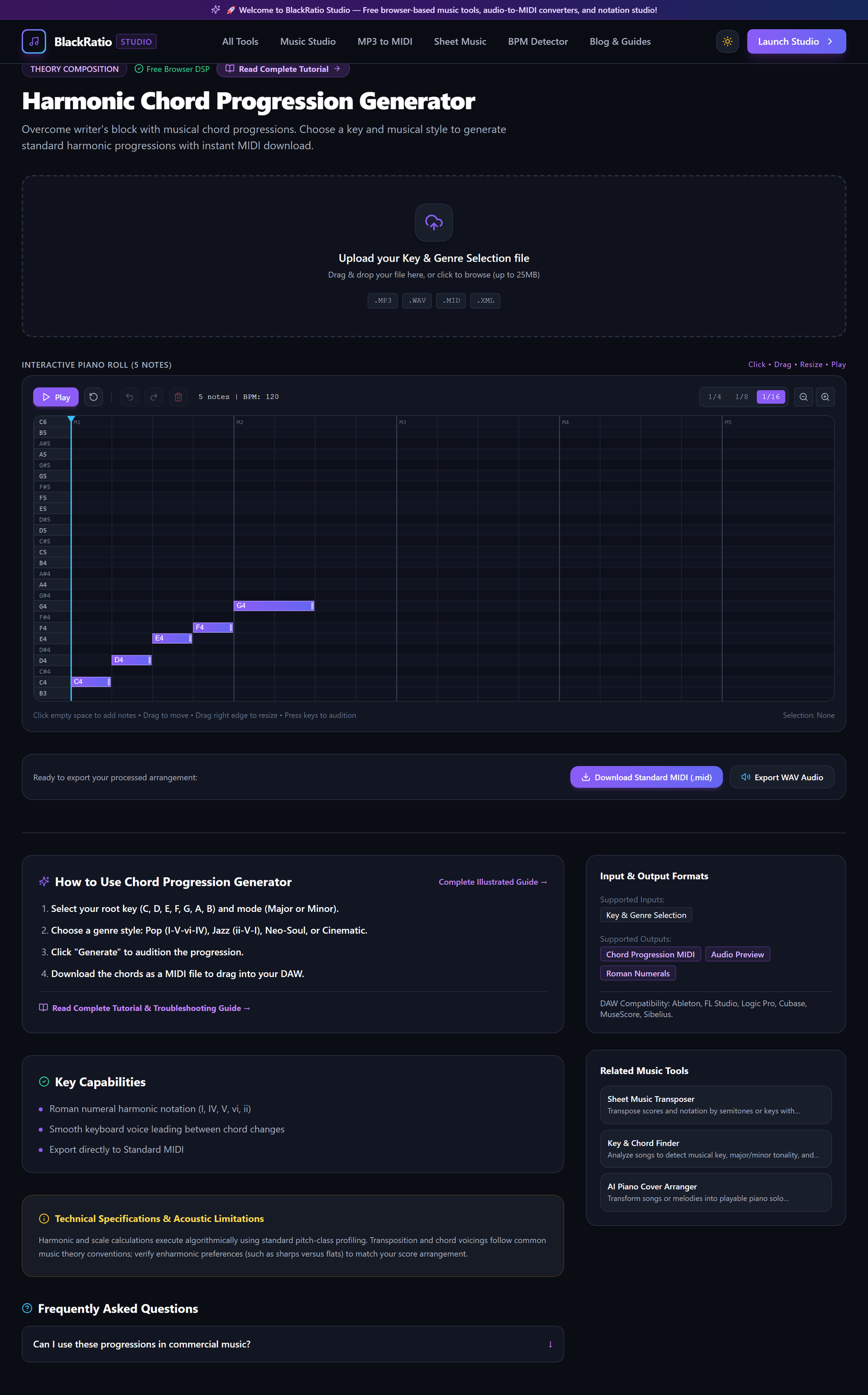
Figure 1: Open Chord Progression Generator Workspace in the Chord Progression Generator workspace.
- Primary Control:
Tool Navigation Bar / Launch Chord Progression Generator Workspace - Expected Visible Result: The workspace loads with key controls and a 4-bar chord sequence container.
- Musician's Pro-Tip: Use this tool whenever you experience writer's block to discover fresh harmonic ideas.
Step 2: Choose Root Key and Tonality (Major / Minor)
Select your root key from the chromatic selector (e.g. C, G, D, A, E, F, Bb, Eb) and toggle between Major (bright, uplifting) and Minor (moody, introspective).
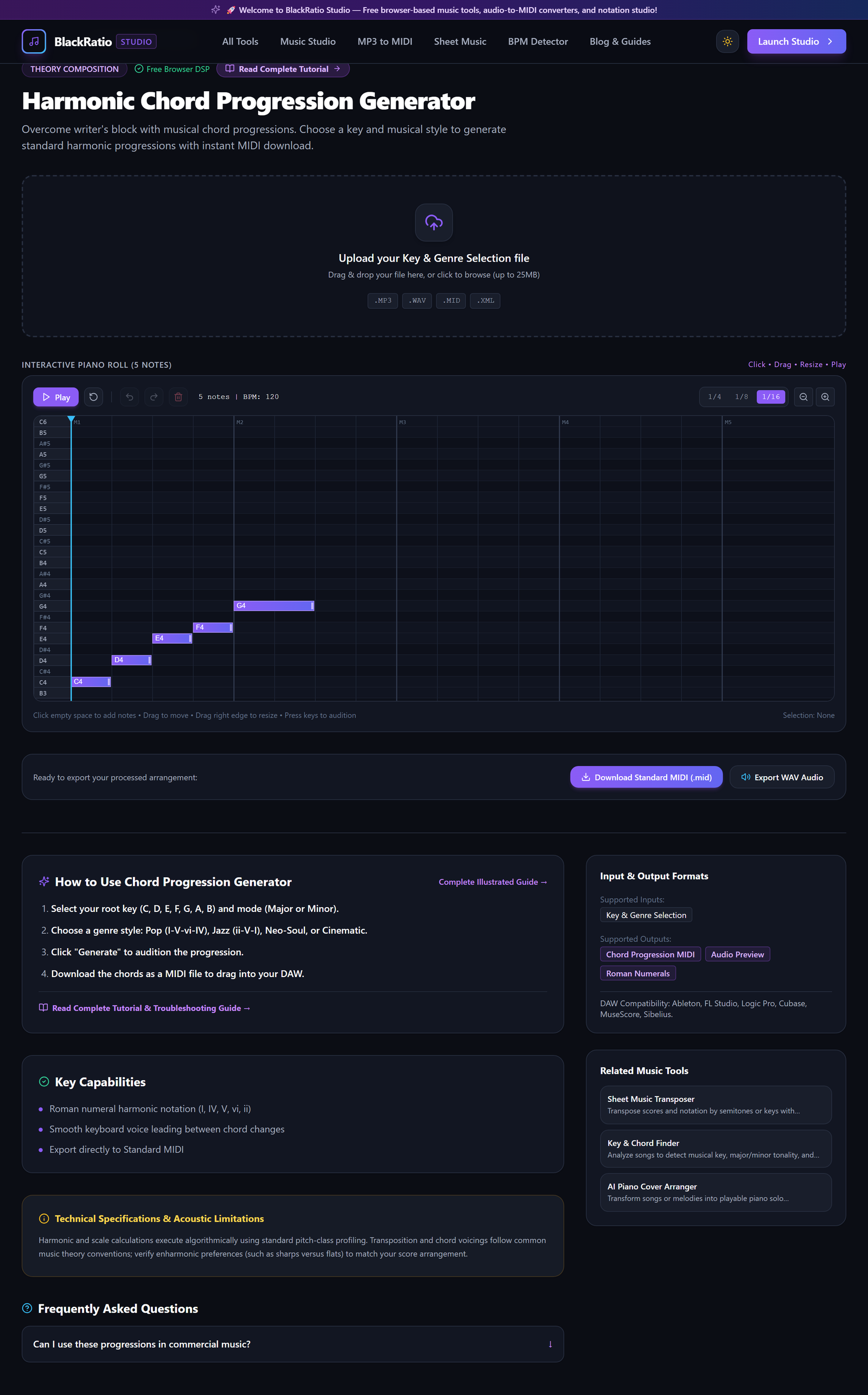
Figure 2: Choose Root Key and Tonality (Major / Minor) in the Chord Progression Generator workspace.
- Primary Control:
Root Key & Scale Mode Selectors (Major / Minor / Dorian) - Expected Visible Result: The diatonic scale chords update: in C Major, chords populate as C (I), Dm (ii), Em (iii), F (IV), G (V), Am (vi), Bdim (vii°).
- Musician's Pro-Tip: For emotional modern Pop and Hip-Hop, minor keys (A Minor, C Minor, F# Minor) provide dark, brooding sonic foundations.
Step 3: Select Progression Style / Genre Pattern
Choose a Genre Preset from the dropdown: "Classic Pop" (I - V - vi - IV), "Neo-Soul / R&B" (ii9 - V13 - Imaj7 - VI7), "Lo-Fi Hip-Hop" (iv7 - i7 - v7 - bVImaj7), or "Epic Cinematic" (vi - IV - I - V).
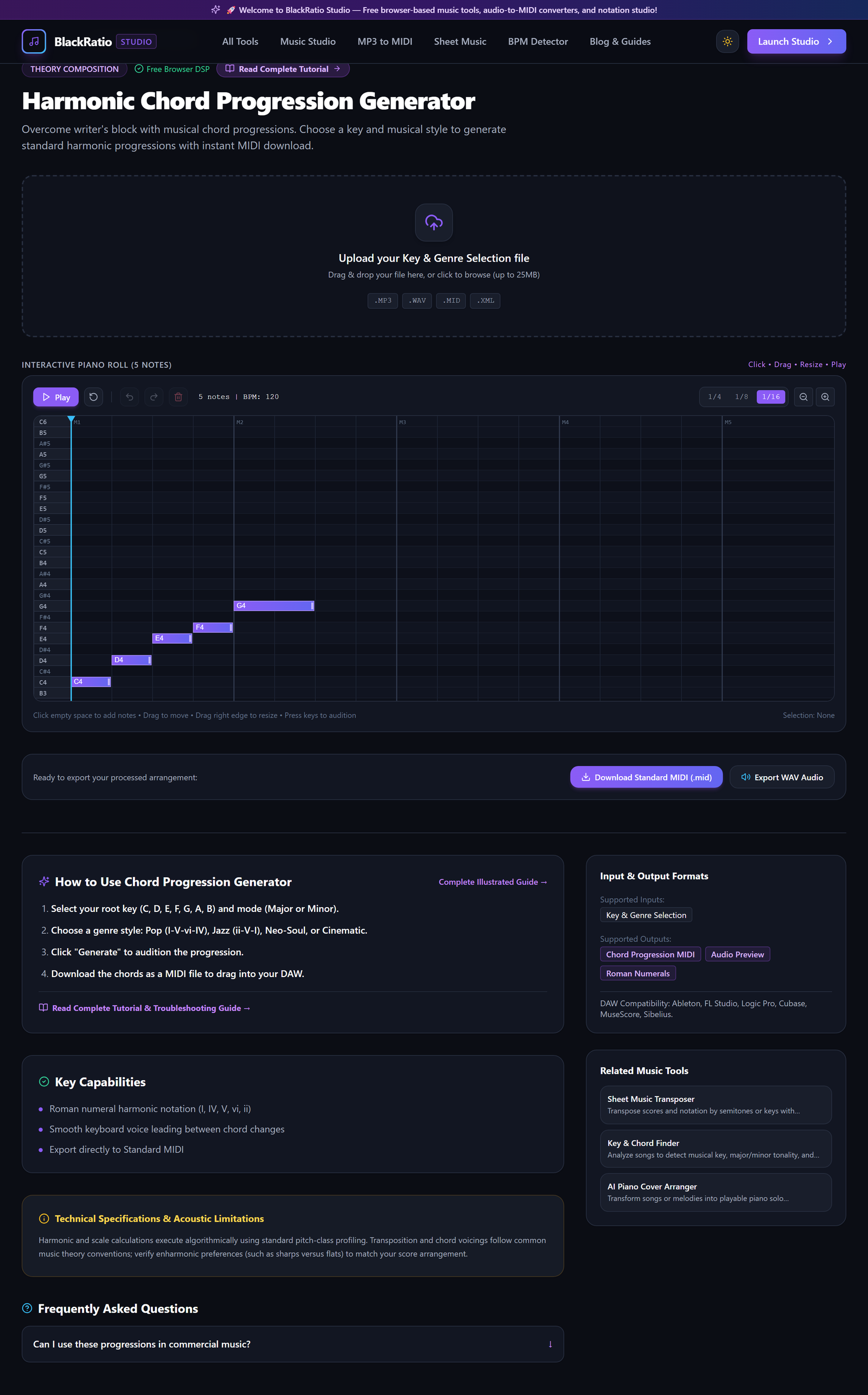
Figure 3: Select Progression Style / Genre Pattern in the Chord Progression Generator workspace.
- Primary Control:
Genre & Cadence Style Presets (Pop, Jazz, Lo-Fi, R&B) - Expected Visible Result: Four chord tiles populate the timeline displaying chord names, Roman numerals, and exact keyboard note voicings.
- Musician's Pro-Tip: Try the "Randomize / Mutate" button to substitute diatonic chords with rich modal borrowed chords (like the minor iv chord in a major key).
Step 4: Audition Roman Numeral Harmonic Sequence
Click the Play button. The audio engine performs the progression in tempo using rich grand piano sample chords, cycling seamlessly so you can hum melodies over the changes.

Figure 4: Audition Roman Numeral Harmonic Sequence in the Chord Progression Generator workspace.
- Primary Control:
Harmonic Progression Timeline & Chord Playback Button - Expected Visible Result: Chord tiles illuminate in sequence as audio plays, with voice-led notes displaying on the virtual piano keyboard.
- Musician's Pro-Tip: Adjust the Voicing dropdown between "Root Position", "Close Inversion", and "Open Spread" to hear how voice leading changes chord warmth.
Step 5: Export Progression to MIDI
Click "Export MIDI (.mid)". The engine packs the exact voice-led chord notes, durations, and velocities into a Standard MIDI file.

Figure 5: Export Progression to MIDI in the Chord Progression Generator workspace.
- Primary Control:
Export Progression MIDI (.mid) Button - Expected Visible Result: A
.midfile downloads to your local disk, ready to drop onto a piano, synth, or string track in your DAW. - Musician's Pro-Tip: In your DAW, apply an arpeggiator plugin to the exported chord MIDI track to generate instant shimmering synth sequences.
Practical Real-World Example
Writing a Neo-Soul R&B Track with Lush Extended Chords
- Musical Workflow: A beatmaker was tired of basic 3-note triads. They set the generator to Eb Major, selected the "Neo-Soul" preset, and generated the progression: Fm9 - Bb13 - Ebmaj9 - C7b9. Auditioning the playback inspired an instant vocal melody.
- Verified Outcome: The producer exported the MIDI file into FL Studio, routed it to a vintage electric Rhodes piano VST, and produced a chart-topping beat.
How to Verify Your Results
- Audition progression playback to evaluate harmonic tension and resolution across bars.
- Verify that Roman numeral labels accurately reflect diatonic scale degree functions (e.g. ii - V - I).
- Import exported MIDI chords into your DAW and audition with a virtual Rhodes or synth pad.
- Test different musical genres (Jazz, Pop, Neo-Soul) to explore varied harmonic color.
Troubleshooting Common Issues
Chords sound too dense or muddy in the bass register.
- Underlying Cause: Chord voicings have third and seventh intervals placed too low in the frequency spectrum.
- Recommended Solution: Select "Open Spread Voicing" or "Drop-2" to separate the root bass note from upper harmonic extensions.
Technical Boundaries & Limitations
Generates functional Western harmonic progressions from 2 to 8 measures in length. Custom polymetric or atonal serialist rows are not covered by the functional harmony engine.
Frequently Asked Questions
Q: Can I reorder individual chords manually? A: Yes. Drag and drop any chord tile to swap positions, or click the edit icon on a tile to select an alternative chord substitute.
Launch the Tool
Ready to begin? Access the free, browser-based Chord Progression Generator directly on BlackRatio Studio with zero downloads or account registration required.
Related Workflows & Tools
Related Tutorials & Articles
How to Transpose MIDI Files Online — Lossless Semitone Shift Guide
Transpose MIDI songs and melodies up or down by semitones losslessly while protecting drum channels, controllers, and velocities.
Tool TutorialsHow to Calculate Song BPM with Tap Tempo — Accurate Live Tempo Guide
Calculate the exact tempo of live songs, DJ tracks, and musical ideas by tapping to the rhythm with zero latency and statistical smoothing.