How to Generate Accurate Guitar Tabs from Notes and Audio
Generate 6-string guitar tablature from audio and MIDI sequences with intelligent fretboard position mapping and standard tunings.
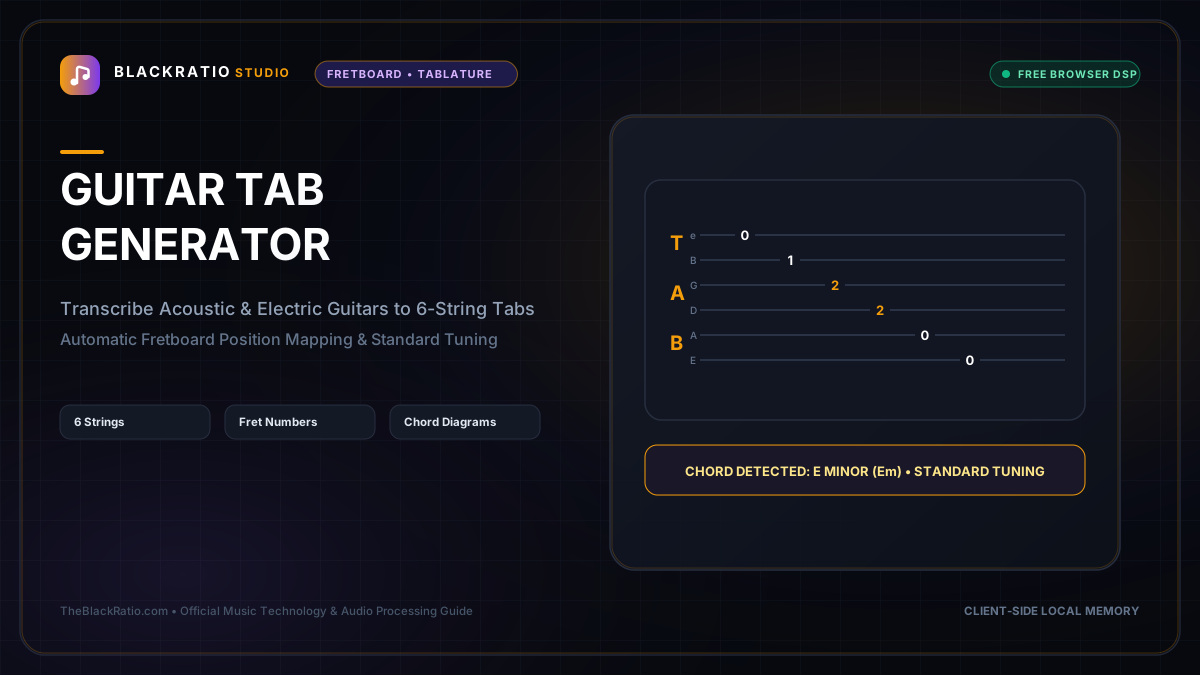
The Guitar Tab Generator transcribes guitar performances and MIDI tracks into standard 6-string guitar tablature with ergonomic fret position optimization. It maps pitch frequencies to realistic string and fret numbers according to standard or alternate guitar tunings.
Quick Start Guide
- Open Guitar Tab Generator at
/tools/guitar-tab-generator. - Input solo guitar audio (MP3/WAV) or import a MIDI file.
- Select guitar tuning (Standard EADGBE, Drop D, DADGAD, or Half-Step Down).
- Review the generated 6-line tablature staff with fret numbers.
- Copy the clean ASCII tab or download as a PDF score.
Before You Begin
- Supported Inputs: Audio files (MP3, WAV) of solo guitar playing, or Standard MIDI files (.mid).
- System Requirements: Any modern desktop, tablet, or smartphone browser.
- Important Practical Considerations: On a guitar fretboard, the exact same pitch (e.g. Middle C / C4) can be played on multiple different strings (e.g. 1st fret on B string, 5th fret on G string, 10th fret on D string). The generator uses an ergonomic fretboard optimization algorithm to select comfortable physical hand positions.
Step-by-Step Instructions
Step 1: Open Guitar Tab Generator Workspace
Open the Guitar Tab Generator. The tool features a virtual 24-fret guitar neck, a 6-line tablature staff (representing strings E, B, G, D, A, E), and tuning selectors.
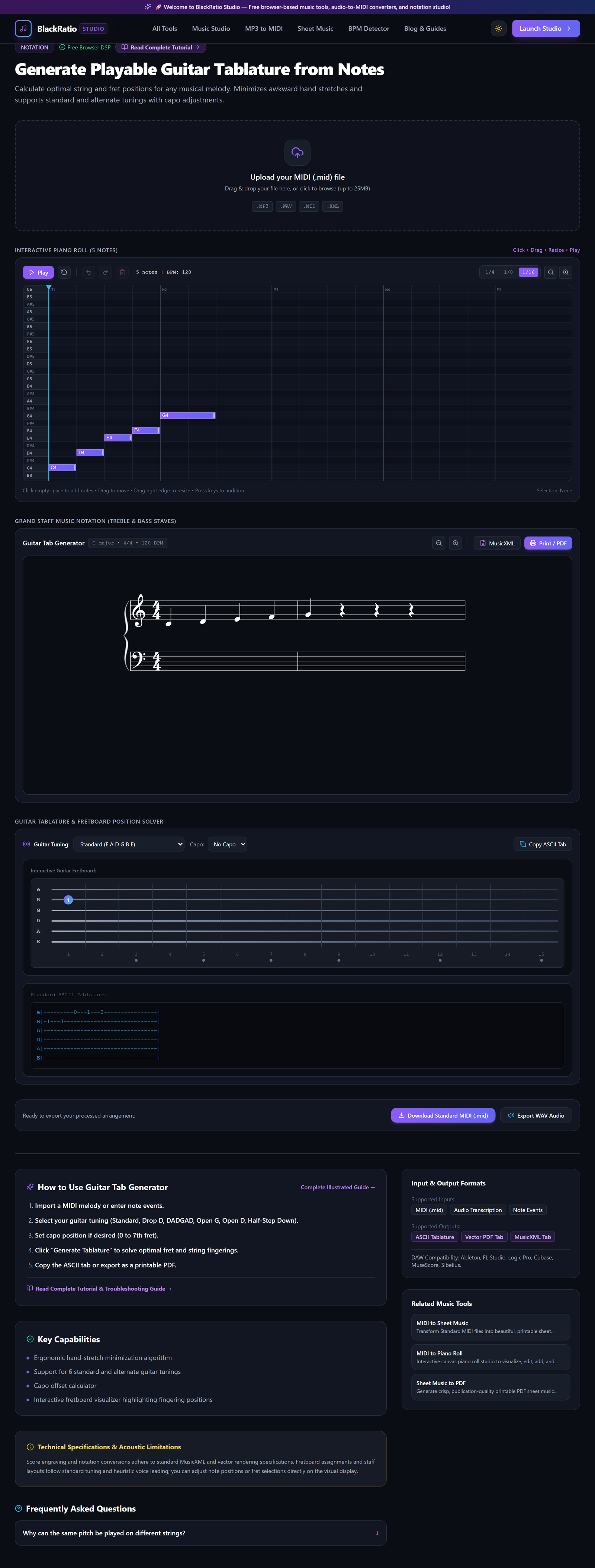
Figure 1: Open Guitar Tab Generator Workspace in the Guitar Tab Generator workspace.
- Primary Control:
Tool Navigation Bar / Launch Guitar Tab Generator Workspace - Expected Visible Result: The workspace loads with an input dropzone and an empty tablature staff.
- Musician's Pro-Tip: If your guitar is tuned down a half step (Eb Ab Db Gb Bb Eb), select that tuning before importing notes.
Step 2: Input Guitar Audio or MIDI File
Drag your solo guitar recording or MIDI track into the importer. The pitch detection engine extracts musical notes, note durations, and chord voicings.
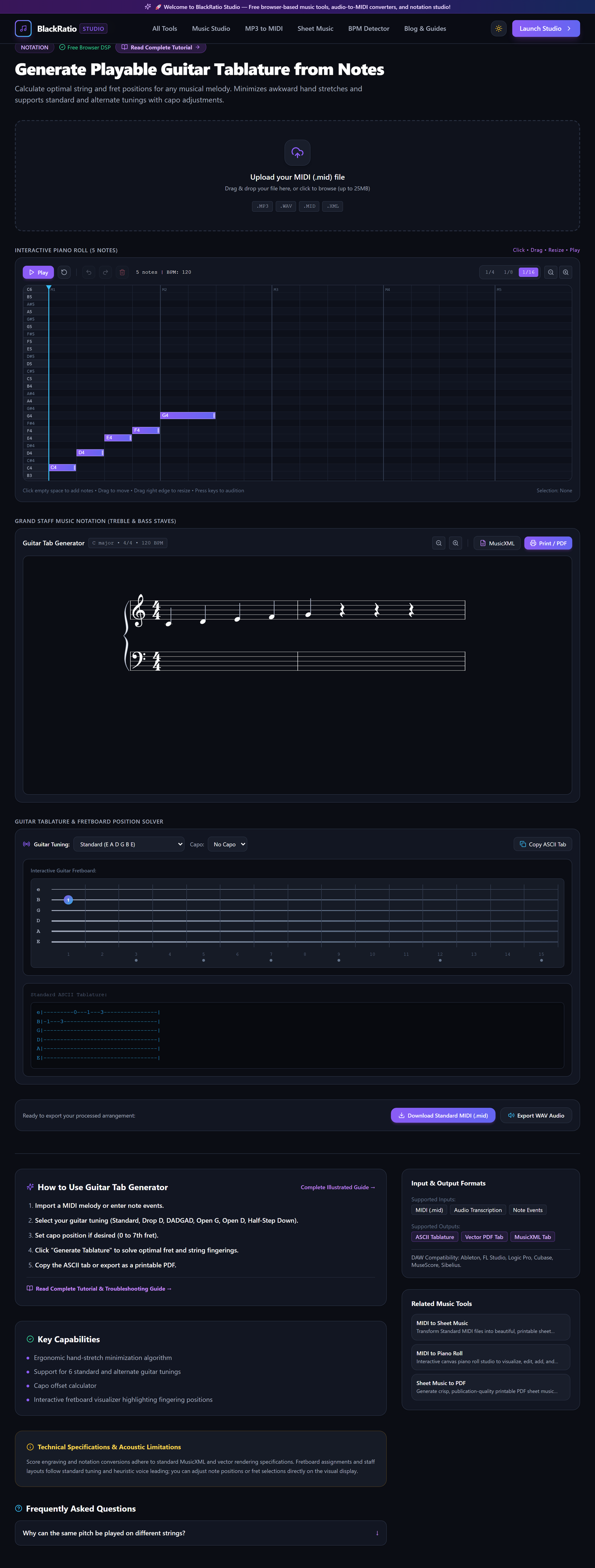
Figure 2: Input Guitar Audio or MIDI File in the Guitar Tab Generator workspace.
- Primary Control:
Audio / MIDI Performance Upload Dropzone - Expected Visible Result: The audio waveform or MIDI note blocks load into the session timeline.
- Musician's Pro-Tip: For acoustic fingerpicking, MIDI files provide 100% pitch accuracy, allowing the tab engine to focus on ergonomic fret selection.
Step 3: Select Tuning (Standard EADGBE, Drop D)
Choose your guitar tuning from the presets dropdown: Standard, Drop D, DADGAD, Open G, Open D, or Full Step Down. The fretboard coordinate engine recalibrates open string pitches instantly.
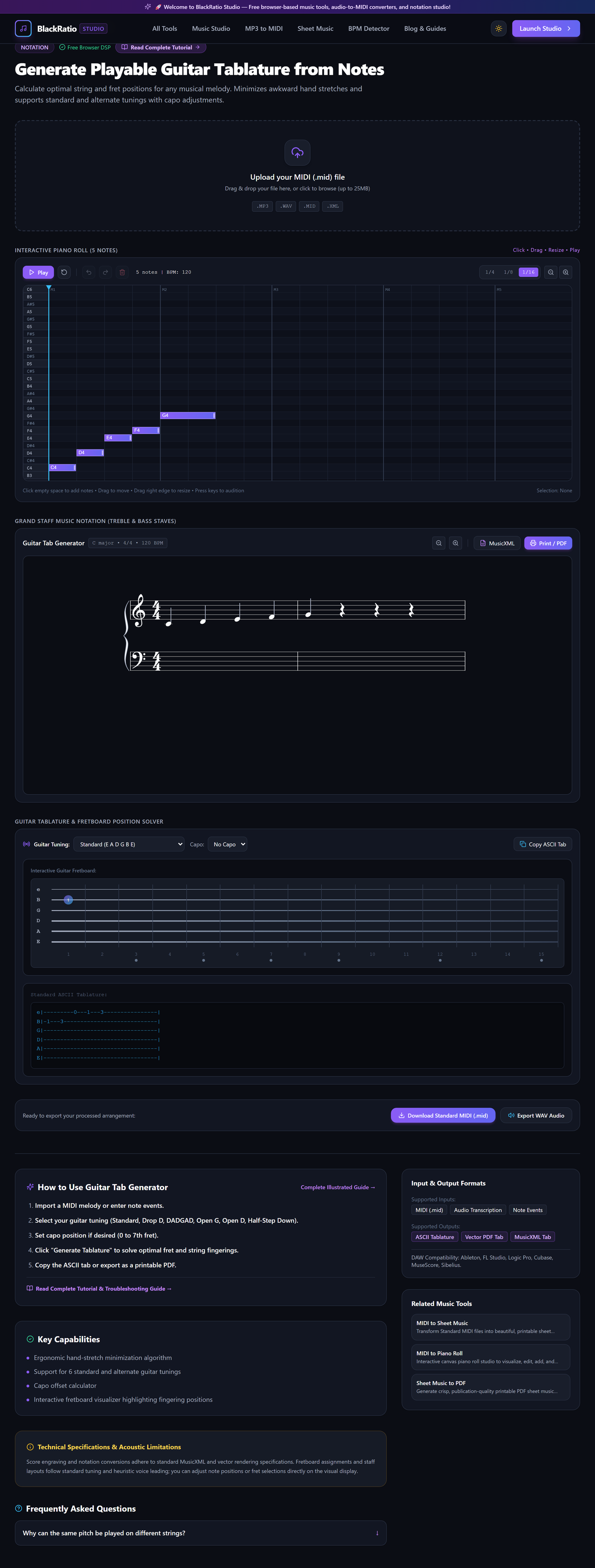
Figure 3: Select Tuning (Standard EADGBE, Drop D) in the Guitar Tab Generator workspace.
- Primary Control:
Guitar Tuning Selector (Standard E, Drop D, DADGAD) & Capo - Expected Visible Result: The string labels on the left of the tab staff update to match the selected tuning (e.g. D A D G B E for Drop D).
- Musician's Pro-Tip: For heavy rock or metal riffs using low power chords on the 6th string, Drop D tuning maps power chords to simple one-finger barres.
Step 4: Review 6-String Fretboard Notation
Inspect the generated tablature. Numbers on the horizontal lines indicate which fret to press on that specific string (0 = open string, 12 = 12th fret). Chords appear with stacked fret numbers on the same vertical beat.
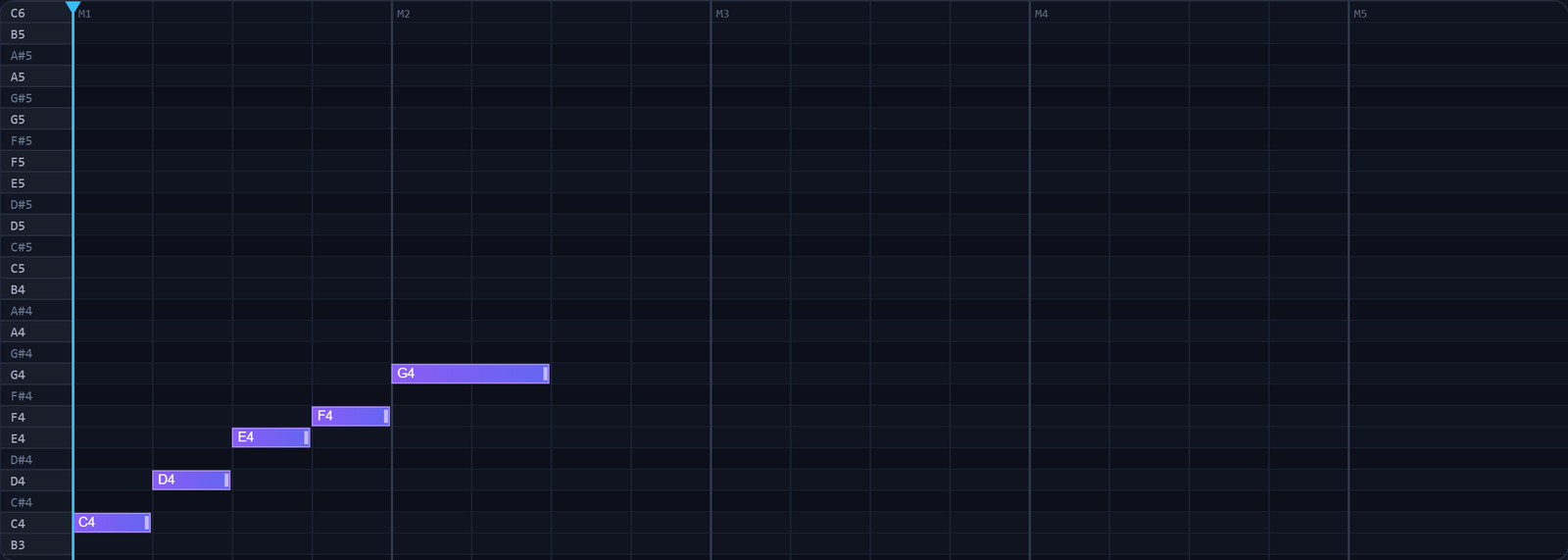
Figure 4: Review 6-String Fretboard Notation in the Guitar Tab Generator workspace.
- Primary Control:
6-String Interactive Tablature Canvas with Fret Numbers - Expected Visible Result: A clean, readable guitar tab renders with measure lines and rhythm stems above the numbers.
- Musician's Pro-Tip: Check fret span: the ergonomic algorithm keeps finger stretches within a 4-fret box whenever possible.
Step 5: Copy ASCII Tab or Download Score
Click "Copy ASCII Tab" for instant pasting into text files, guitar forums, or text editors. Click "Download PDF" for a beautifully formatted sheet with standard notation and tablature stacked.
Figure 5: Copy ASCII Tab or Download Score in the Guitar Tab Generator workspace.
- Primary Control:
Download Guitar Tab (PDF / ASCII Text) Buttons - Expected Visible Result: The tab text is copied to your clipboard or a high-resolution PDF downloads to your device.
- Musician's Pro-Tip: Print the PDF tab and place it on your music stand for distraction-free practice sessions.
Practical Real-World Example
Creating Guitar Tablature for an Original Fingerstyle Song
- Musical Workflow: A guitarist improvised a fingerstyle acoustic intro in their DAW and exported the MIDI track. Uploading it into BlackRatio Guitar Tab Generator and selecting Standard Tuning mapped all notes into comfortable open C and G chord shapes.
- Verified Outcome: The guitarist copied the ASCII tab into a chord chart document and shared it with their bandmates before rehearsal.
How to Verify Your Results
- Play through the tabbed fret positions on a physical guitar to confirm fingerings feel natural and playable.
- Check string assignments to ensure notes are not mapped to unplayable simultaneous fret combinations.
- Verify that open string pedal notes and chord shapes match standard guitar fingerings.
- Export the tab in PDF or text format for personal practice or band charting.
Troubleshooting Common Issues
Fret numbers jump abruptly between fret 2 and fret 14 in the same bar.
- Underlying Cause: Position constraint was unset, allowing algorithm to pick arbitrary string equivalents.
- Recommended Solution: Enable "Prefer Lower Frets (Positions 1-5)" in the tab settings panel.
Technical Boundaries & Limitations
Generates tablature for standard 6-string guitars. 7-string, 8-string, or 4-string bass guitars will have extended notes mapped to the closest 6-string register.
Frequently Asked Questions
Q: Does it indicate hammer-ons, pull-offs, and slides? A: Yes. Legato notes with overlapping durations are automatically flagged with hammer-on (h) and pull-off (p) symbols in the tab.
Launch the Tool
Ready to begin? Access the free, browser-based Guitar Tab Generator directly on BlackRatio Studio with zero downloads or account registration required.
Related Workflows & Tools
Related Tutorials & Articles
How to Transpose MIDI Files Online — Lossless Semitone Shift Guide
Transpose MIDI songs and melodies up or down by semitones losslessly while protecting drum channels, controllers, and velocities.
Tool TutorialsHow to Calculate Song BPM with Tap Tempo — Accurate Live Tempo Guide
Calculate the exact tempo of live songs, DJ tracks, and musical ideas by tapping to the rhythm with zero latency and statistical smoothing.