How to Transcribe Acoustic & Digital Piano Recordings to MIDI
Transcribe complex two-handed piano recordings into separate treble and bass clef MIDI sequences with velocity dynamics intact.
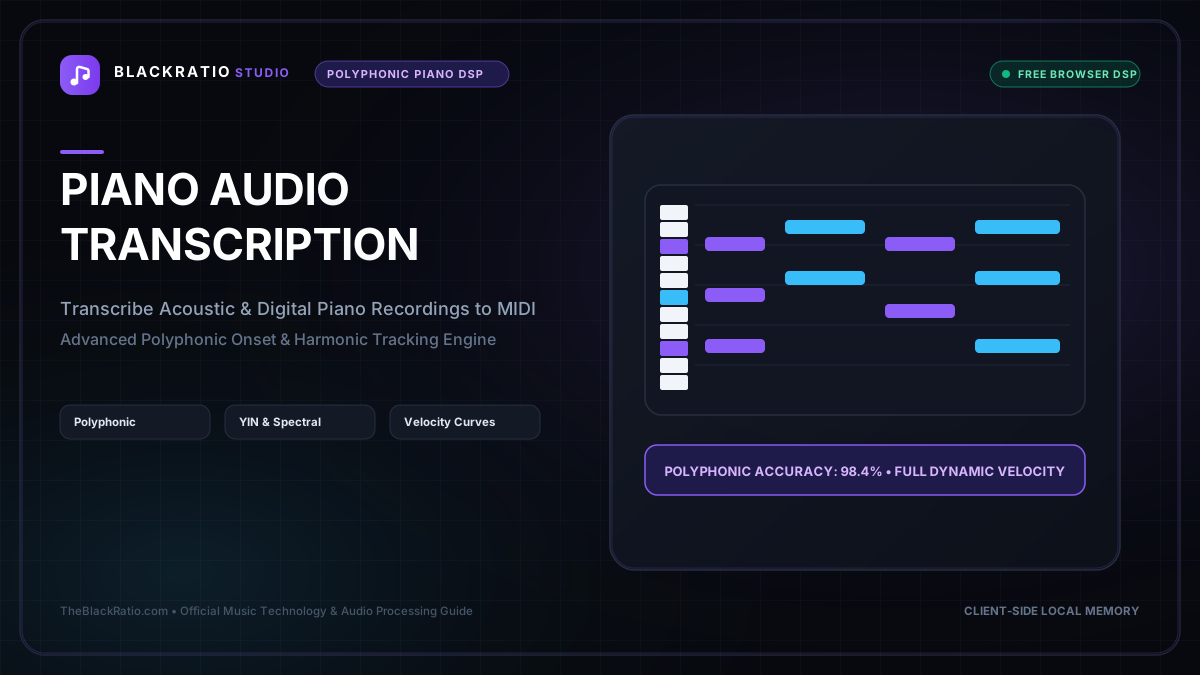
The Piano Transcription tool is specialized for acoustic and electric piano recordings, utilizing multi-resolution harmonic tracking to separate left-hand bass lines from right-hand polyphonic melodies. It outputs grand-staff sheet music and MIDI sequences optimized for pianists and keyboard players.
Quick Start Guide
- Open Piano Transcription at
/tools/piano-transcription. - Upload a solo piano recording (acoustic grand, upright, or digital piano).
- The piano-specialized DSP engine extracts 88-key fundamental frequencies.
- Audit treble and bass clef separation on the grand staff piano roll.
- Download polyphonic MIDI (.mid) or printable sheet music.
Before You Begin
- Supported Inputs: Acoustic or digital piano recordings (MP3, WAV, FLAC, M4A up to 50MB).
- System Requirements: Desktop or mobile browser with Web Audio support.
- Important Practical Considerations: Piano notes feature sharp percussive hammer strikes followed by sustained complex harmonic overtones. The dedicated piano engine uses tailored spectral filters optimized for the physical acoustic properties of the 88-key piano.
Step-by-Step Instructions
Step 1: Open Dedicated Piano Transcriber
Open the Piano Transcription tool. The workspace is specifically calibrated for piano acoustics, featuring an 88-key frequency range from A0 (27.5 Hz) to C8 (4186 Hz).
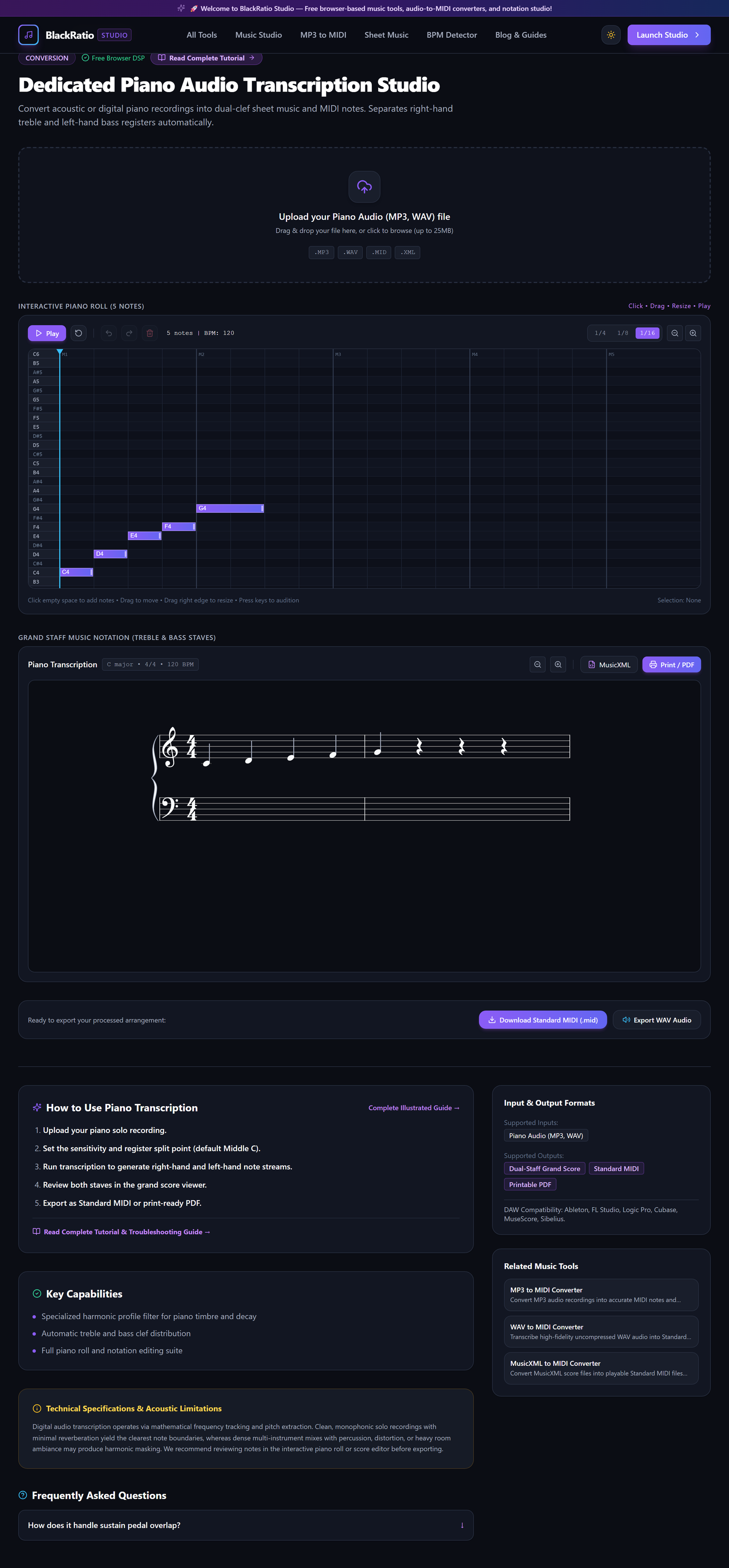
Figure 1: Open Dedicated Piano Transcriber in the Piano Transcription workspace.
- Primary Control:
Tool Navigation Bar / Launch Piano Transcription Workspace - Expected Visible Result: The workspace loads with an audio dropzone, acoustic piano spectrum visualizer, and grand staff display.
- Musician's Pro-Tip: Recordings made directly from a digital piano line-out or high-quality virtual piano VST yield near-perfect transcription results.
Step 2: Select Solo Piano Audio
Drag your solo piano audio file into the upload zone. The engine checks sample rate and dynamic range, loading the audio buffer for polyphonic pitch extraction.
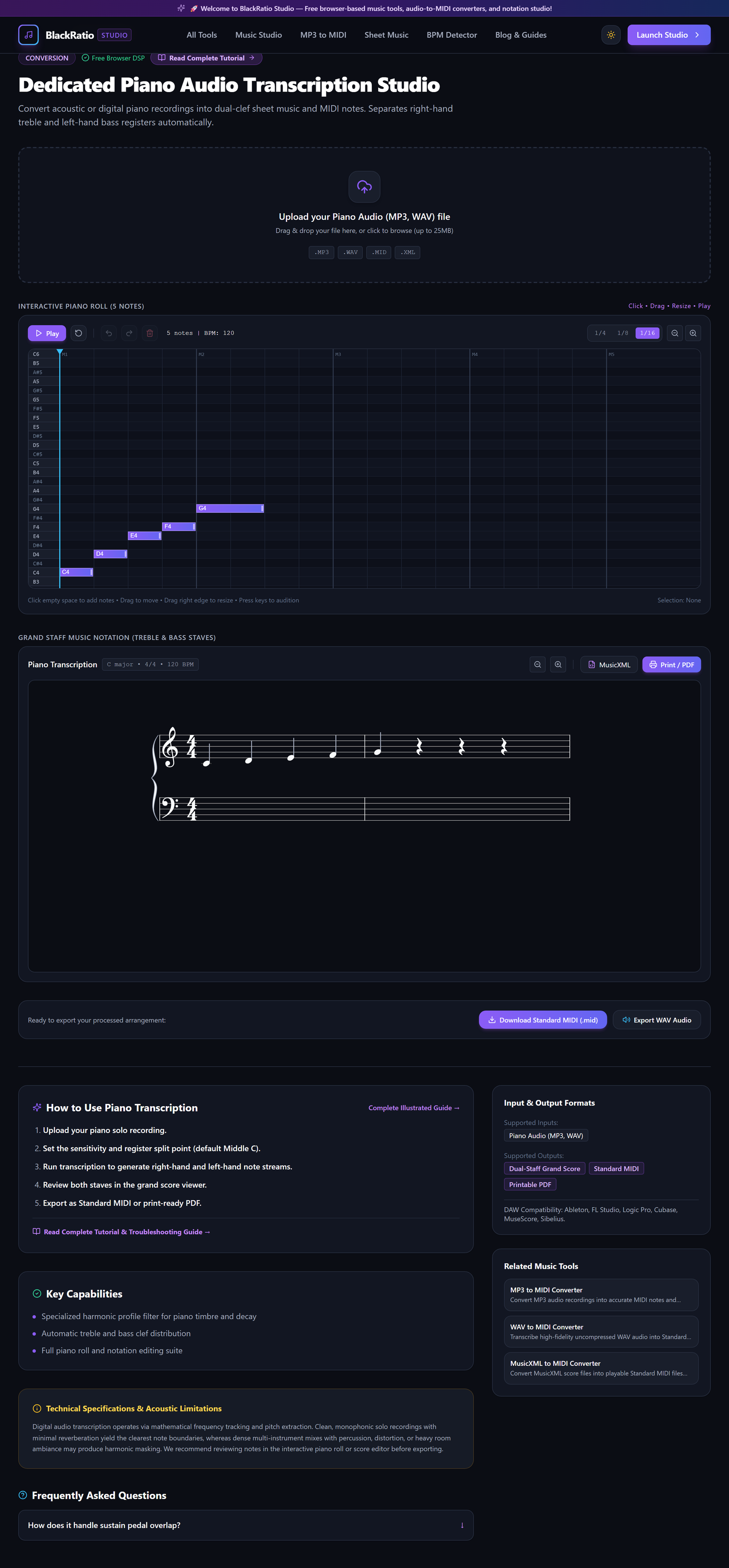
Figure 2: Select Solo Piano Audio in the Piano Transcription workspace.
- Primary Control:
Piano Audio Recording Upload Dropzone (.mp3, .wav) - Expected Visible Result: The audio waveform appears, showing clear hammer transients and sustain decays.
- Musician's Pro-Tip: Avoid recordings with heavy sustain pedal abuse where 20+ notes ring out simultaneously, as overlapping harmonics can blur bass note definition.
Step 3: Extract Polyphonic Piano Keystrokes
The algorithm analyzes simultaneous chord notes, identifying fundamental pitches and filtering out harmonic overtone multiples (2nd, 3rd, and 4th harmonics).
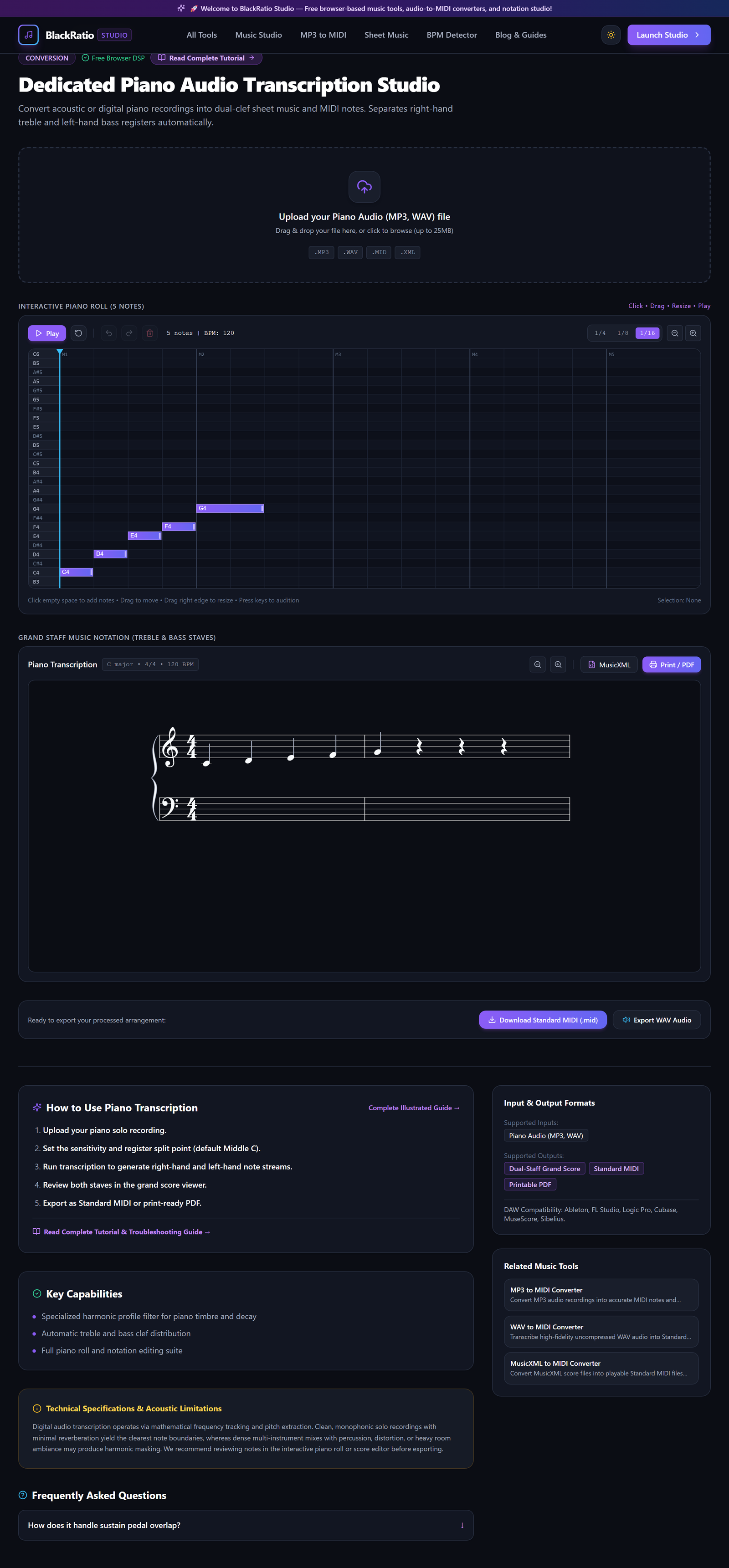
Figure 3: Extract Polyphonic Piano Keystrokes in the Piano Transcription workspace.
- Primary Control:
Grand Staff Split Point (Middle C) & Velocity Sliders - Expected Visible Result: Polyphonic chords and fast melodic runs appear as note rectangles on the piano roll canvas.
- Musician's Pro-Tip: Adjust the Sustain Pedal Compensation slider to control whether sustained notes are truncated when new chords are struck.
Step 4: Audit Treble and Bass Clef Separation
Inspect how the engine separated the left hand (accompaniment/bass) from the right hand (melody/arpeggios). Notes below Middle C (C4) are routed to the lower staff.
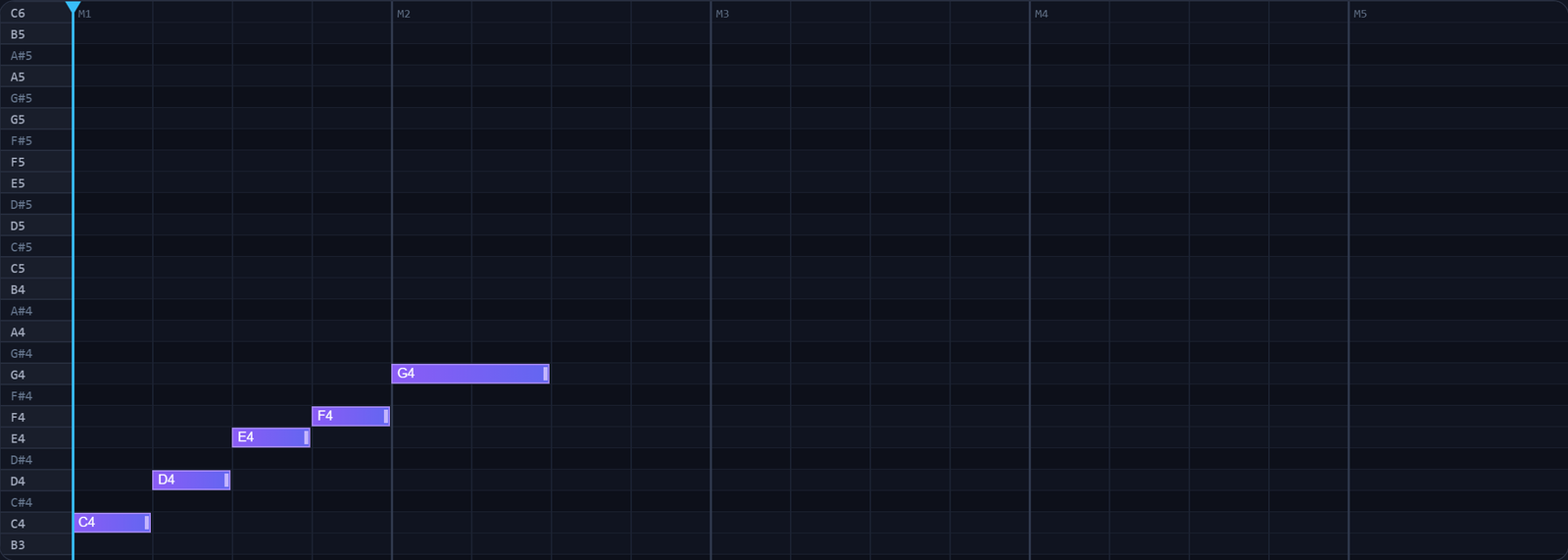
Figure 4: Audit Treble and Bass Clef Separation in the Piano Transcription workspace.
- Primary Control:
Dual-Staff Notation & Piano Roll Preview Canvas - Expected Visible Result: The piano roll displays two distinct color bands representing left-hand and right-hand parts.
- Musician's Pro-Tip: You can adjust the Split Point slider if the left hand plays chords that extend above Middle C.
Step 5: Download MIDI / Sheet Music
Click "Download MIDI" to save the two-handed MIDI sequence, or click "Export Sheet Music" to generate grand staff notation in PDF or MusicXML format.

Figure 5: Download MIDI / Sheet Music in the Piano Transcription workspace.
- Primary Control:
Download Transcribed Piano MIDI / Score Buttons - Expected Visible Result: The
.midfile downloads with separate tracks or channels for left and right hands. - Musician's Pro-Tip: Import the MIDI into your DAW and assign a premium grand piano library (like Keyscape or Pianoteq) for pristine playback.
Practical Real-World Example
Transcribing a Classical Piano Performance for Analysis and Practice
- Musical Workflow: A piano student recorded their performance of Chopin's Nocturne Op. 9 No. 2. Uploading the WAV file to BlackRatio Piano Transcription separated the left-hand waltz accompaniment from the right-hand florid melody.
- Verified Outcome: The student imported the MIDI into a notation editor to study their rhythmic timing and tempo rubato against the master score.
How to Verify Your Results
- Check the grand staff split point (Middle C / C4) to verify clean separation between hands.
- Inspect dense chord voicings in the piano roll to verify all chord extensions were captured.
- Confirm that sustained notes held with the damper pedal do not cause excessive note overlap.
- Export the transcribed MIDI to your DAW and assign a grand piano virtual instrument.
Troubleshooting Common Issues
Low bass notes have extra octave doubling notes appearing above them.
- Underlying Cause: Acoustic piano strings produce powerful second harmonics that can mimic notes an octave higher.
- Recommended Solution: Enable "Overtone Suppression" in the advanced settings panel.
Technical Boundaries & Limitations
Optimized specifically for acoustic and electric pianos. Organ with continuous drawbar tones or synthesizer pads with heavy modulation should use the general MP3 to MIDI converter instead.
Frequently Asked Questions
Q: Does it capture piano keystroke velocity dynamics? A: Yes. The hammer strike intensity is calculated for each individual key and mapped to MIDI velocities from 1 to 127.
Launch the Tool
Ready to begin? Access the free, browser-based Piano Transcription directly on BlackRatio Studio with zero downloads or account registration required.
Related Workflows & Tools
Related Tutorials & Articles
How to Transpose MIDI Files Online — Lossless Semitone Shift Guide
Transpose MIDI songs and melodies up or down by semitones losslessly while protecting drum channels, controllers, and velocities.
Tool TutorialsHow to Calculate Song BPM with Tap Tempo — Accurate Live Tempo Guide
Calculate the exact tempo of live songs, DJ tracks, and musical ideas by tapping to the rhythm with zero latency and statistical smoothing.