How to Tune Your Guitar Online with Microphone Frequency Detection
Tune acoustic and electric guitars with sub-cent precision using your device microphone, visual pitch needles, and custom alternate tunings.
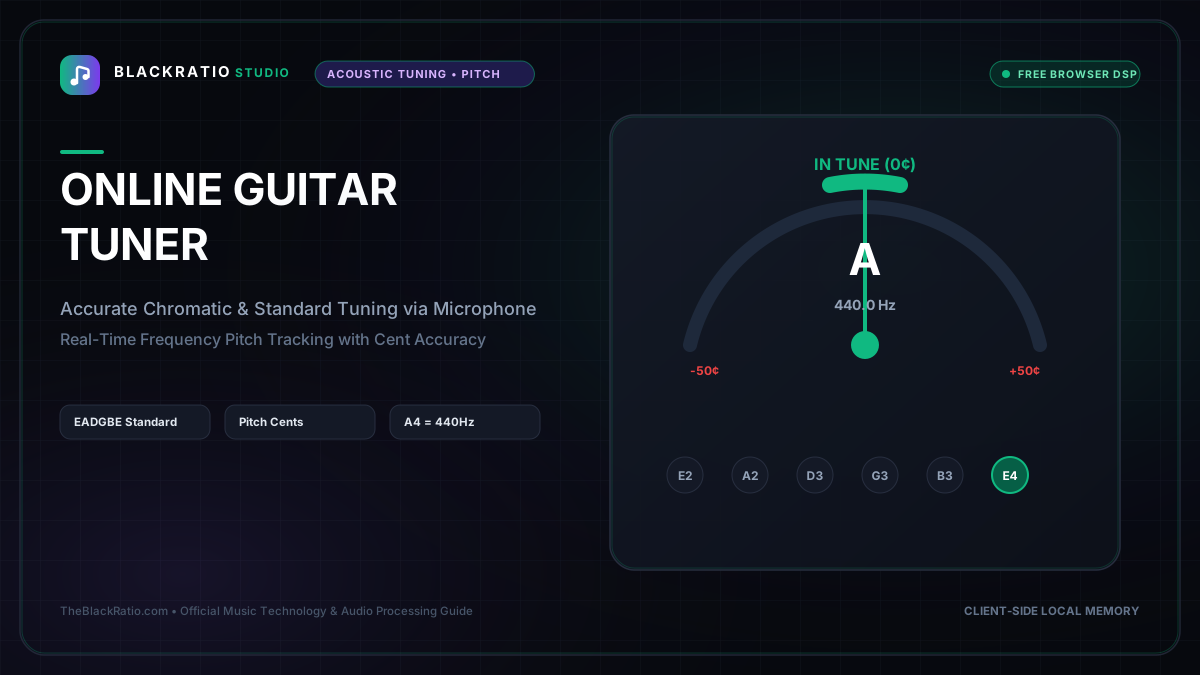
The Online Guitar Tuner provides sub-cent pitch detection for acoustic and electric guitars using real-time microphone autocorrelation. Featuring responsive needle displays, target frequency readouts, and multiple tuning presets, it allows musicians to tune instruments quickly and accurately.
Quick Start Guide
- Open the Online Guitar Tuner at
/tools/guitar-tuner. - Click "Enable Microphone" to allow live audio frequency analysis.
- Select your tuning preset (Standard EADGBE, Drop D, DADGAD, etc.).
- Pluck any guitar string and watch the real-time pitch needle.
- Adjust your tuning peg until the indicator centers on 0 cents (green locked).
Before You Begin
- Supported Inputs: Live device microphone stream or audio interface line-in (no file upload required).
- System Requirements: Microphone permissions allowed in your browser settings.
- Important Practical Considerations: The tuner uses autocorrelation and YIN fundamental pitch tracking algorithms to isolate the fundamental frequency (Hz) of vibrating guitar strings, ignoring ambient room acoustics and higher harmonic overtones.
Step-by-Step Instructions
Step 1: Open Microphone Guitar Tuner Workspace
Open the Online Guitar Tuner on BlackRatio Studio. The workspace features an analog-style pitch needle, digital frequency meter (Hz), cent deviation readout (-50 to +50 cents), and a 6-string headstock map.
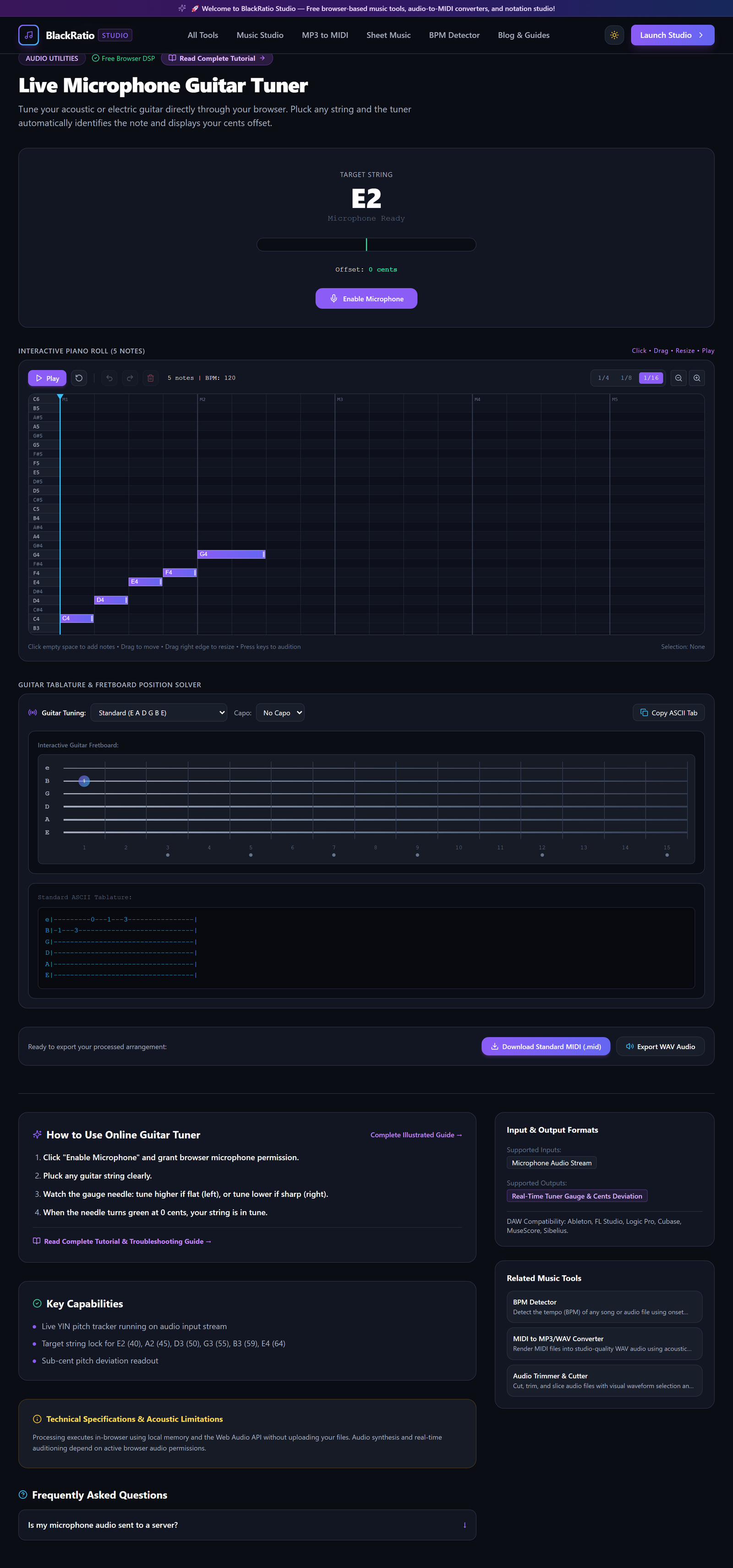
Figure 1: Open Microphone Guitar Tuner Workspace in the Online Guitar Tuner workspace.
- Primary Control:
Tool Navigation Bar / Launch Online Guitar Tuner Workspace - Expected Visible Result: The tuner console loads with an "Enable Microphone" button and string selector buttons.
- Musician's Pro-Tip: If tuning an electric guitar, place your acoustic device close to your amplifier or plug directly into a USB audio interface.
Step 2: Click Enable Microphone for Audio Input
Click the green "Enable Microphone" button. When prompted by your browser, click "Allow" to grant microphone access. The tuner establishes an input stream into the Web Audio pitch analyzer.

Figure 2: Click Enable Microphone for Audio Input in the Online Guitar Tuner workspace.
- Primary Control:
Activate Microphone Button & Browser Audio Permission - Expected Visible Result: The microphone status icon turns green, and an input level meter displays incoming acoustic signal levels.
- Musician's Pro-Tip: If the browser blocks the microphone, click the lock icon in the browser address bar and set Microphone to "Allow".
Step 3: Select Target String (E2, A2, D3, G3, B3, E4)
Select Auto Mode (which automatically detects whichever string is plucked) or click a specific target string: 6th string Low E (82.4 Hz), 5th string A (110.0 Hz), 4th string D (146.8 Hz), 3rd string G (196.0 Hz), 2nd string B (246.9 Hz), or 1st string High E (329.6 Hz).
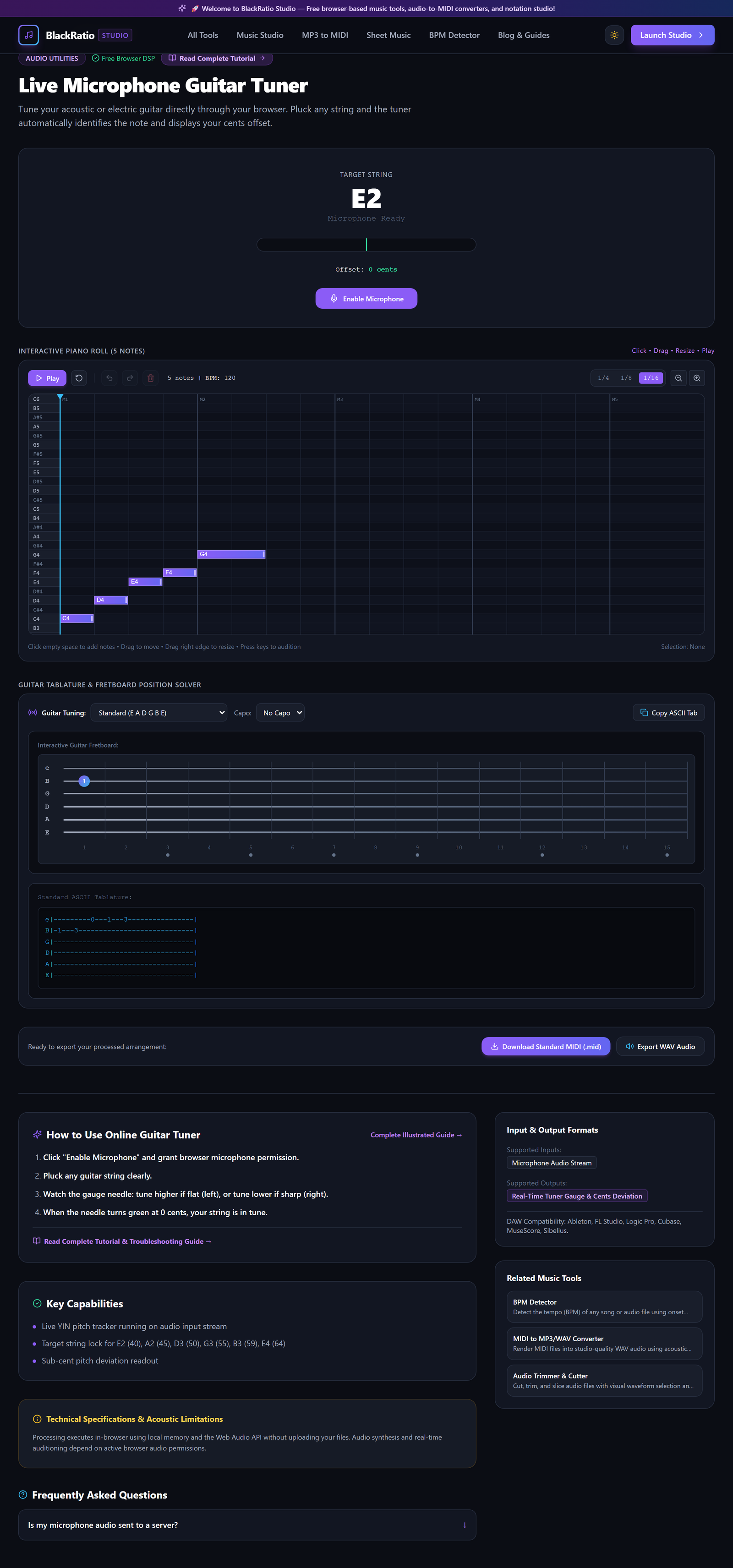
Figure 3: Select Target String (E2, A2, D3, G3, B3, E4) in the Online Guitar Tuner workspace.
- Primary Control:
Target String Selector (Standard E, Drop D, Open G) - Expected Visible Result: The selected string highlights on the headstock diagram with its exact target frequency in Hertz.
- Musician's Pro-Tip: For alternate tunings, select "Drop D" from the tuning dropdown to change the 6th string target from E2 (82.4 Hz) to D2 (73.4 Hz).
Step 4: Pluck Instrument String & Observe Frequency (Hz)
Pluck the chosen guitar string firmly with a pick or thumb. Let the string ring out naturally. The pitch needle responds instantly, swinging left if the string is flat (too low) or right if it is sharp (too high).
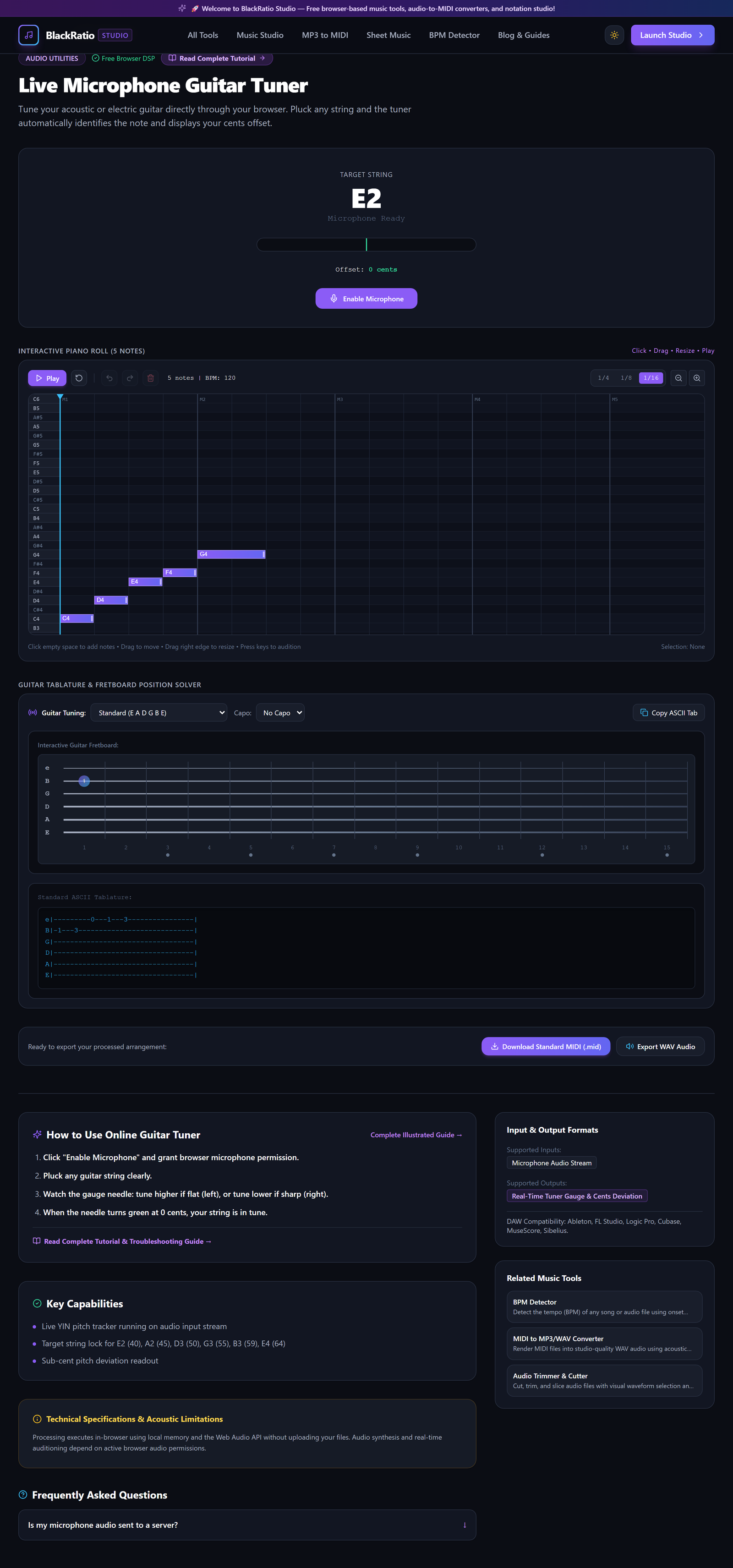
Figure 4: Pluck Instrument String & Observe Frequency (Hz) in the Online Guitar Tuner workspace.
- Primary Control:
Visual Cent Deviation Needle (-50 to +50 cents) - Expected Visible Result: The digital readout displays the detected note name, octave, measured frequency (e.g. "81.2 Hz"), and cent deviation (e.g. "-25 cents Flat").
- Musician's Pro-Tip: Pluck the string near the 12th fret rather than close to the bridge; this produces a strong fundamental frequency with fewer jarring overtones.
Step 5: Adjust Peg Until Cent Deviation Reads Zero (In Tune)
Turn your guitar's tuning peg slowly. If flat, tighten the peg to raise pitch; if sharp, loosen the peg below the target and tune up into the note. When the needle aligns in the center zone within ±3 cents, the display turns emerald green.
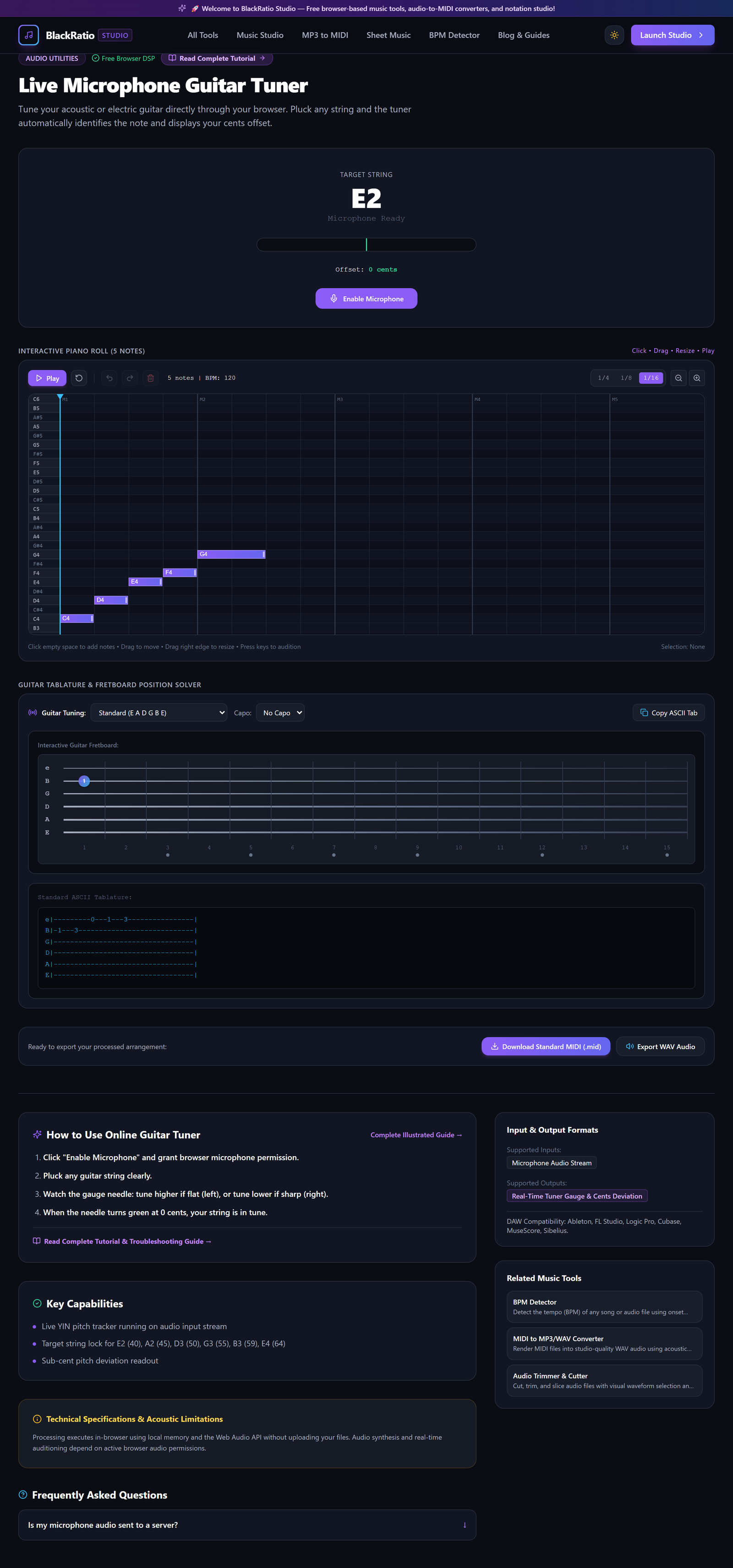
Figure 5: Adjust Peg Until Cent Deviation Reads Zero (In Tune) in the Online Guitar Tuner workspace.
- Primary Control:
In-Tune Lock Indicator (Center Emerald Needle) - Expected Visible Result: The pitch indicator locks at "0 Cents / In Tune" and displays a green confirmation glow.
- Musician's Pro-Tip: Always tune UP into the pitch from below. If you overshoot and go sharp, loosen the string slightly flat and tighten up to the note to prevent string slipping.
Practical Real-World Example
Tuning an Acoustic Guitar Before a Live Songwriter Showcase
- Musical Workflow: A guitarist backstage needed to tune their acoustic guitar before performing. Opening BlackRatio Guitar Tuner on their phone, they allowed microphone access, plucked the low E string, and tightened the peg from 79.5 Hz to 82.4 Hz.
- Verified Outcome: All 6 strings were tuned with sub-cent precision in under 45 seconds, ensuring beautiful acoustic chord resonance on stage.
How to Verify Your Results
- Pluck each open string softly and observe the needle stabilize around the center target line (0 cents).
- Verify target string note names match standard tuning (E2, A2, D3, G3, B3, E4) or your chosen alternate tuning.
- Check octave pitch harmonics (12th-fret harmonic vs open string) to confirm neck intonation.
- Ensure ambient background noise does not trigger erratic frequency readings.
Troubleshooting Common Issues
The tuner needle jumps erratically between different notes when plucking low E.
- Underlying Cause: Acoustic background room noise or the guitar's higher harmonics (E3 at 164.8 Hz) overpowering the weak fundamental.
- Recommended Solution: Use the flesh of your thumb to pluck the string softly, and mute all other 5 strings with your fretting hand.
Browser displays "Microphone Permission Denied".
- Underlying Cause: Browser blocked microphone access due to previous security settings.
- Recommended Solution: Click the padlock icon to the left of the URL in your address bar, toggle Microphone to "Allow", and reload the page.
Technical Boundaries & Limitations
Guitar Tuner accurately detects musical frequencies between 40 Hz and 1200 Hz, covering 6-string guitars, 7-string guitars, bass guitars, and ukuleles. High acoustic ambient noise in loud venues may require tuning in a quiet room.
Frequently Asked Questions
Q: Can I tune a bass guitar with this tool? A: Yes. The low frequency tracking engine reliably detects the low E string of a 4-string bass guitar down to E1 (41.2 Hz).
Launch the Tool
Ready to begin? Access the free, browser-based Online Guitar Tuner directly on BlackRatio Studio with zero downloads or account registration required.
Related Workflows & Tools
Related Tutorials & Articles
How to Transpose MIDI Files Online — Lossless Semitone Shift Guide
Transpose MIDI songs and melodies up or down by semitones losslessly while protecting drum channels, controllers, and velocities.
Tool TutorialsHow to Calculate Song BPM with Tap Tempo — Accurate Live Tempo Guide
Calculate the exact tempo of live songs, DJ tracks, and musical ideas by tapping to the rhythm with zero latency and statistical smoothing.